











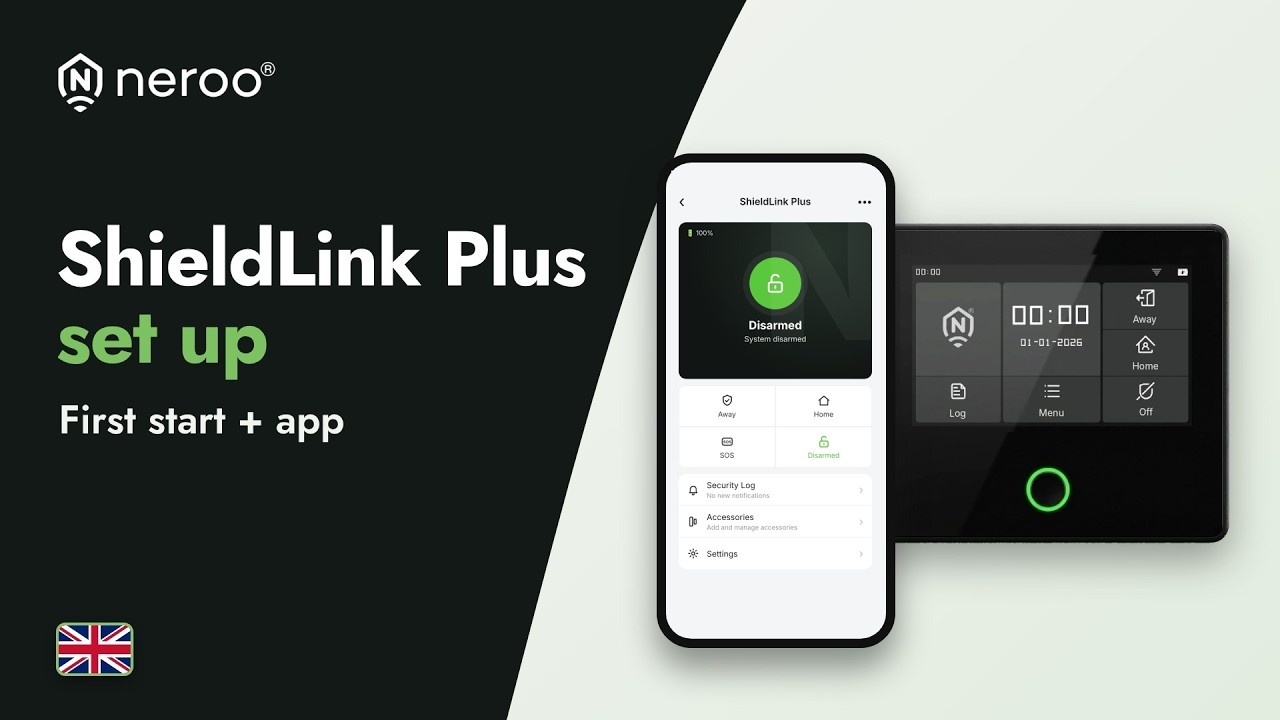
Setting up the ShieldLink Plus: first start and connecting to the app
See step by step how to start the ShieldLink® Plus for the first time and connect it to the app.


Door/window contact
Recommended
Door/window contact
Elite
Door/window contact
Elite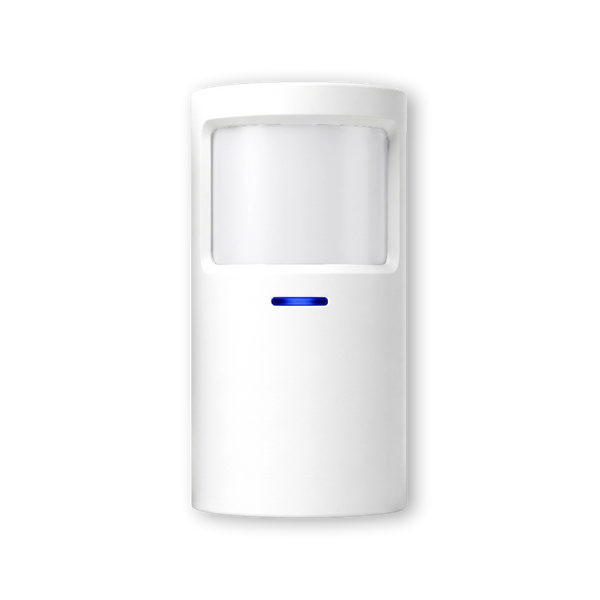
Motion detector

Glass break detector
Budget
Motion detector
Recommended
Motion detector
Recommended
Motion detector
Nieuw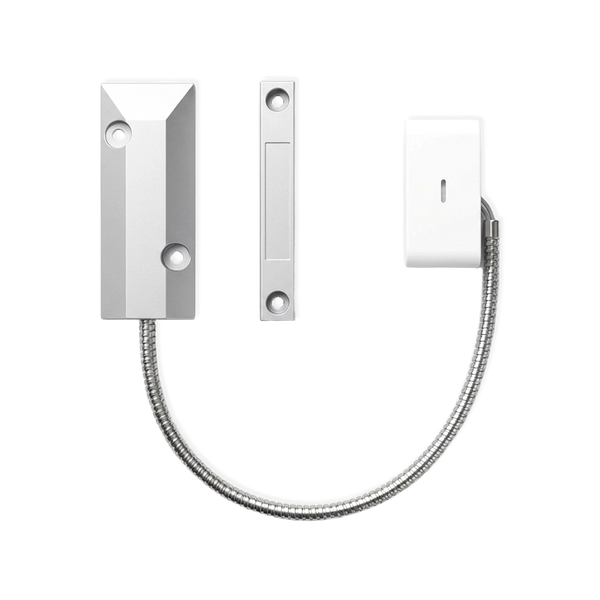
Roller shutter & garage door sensor
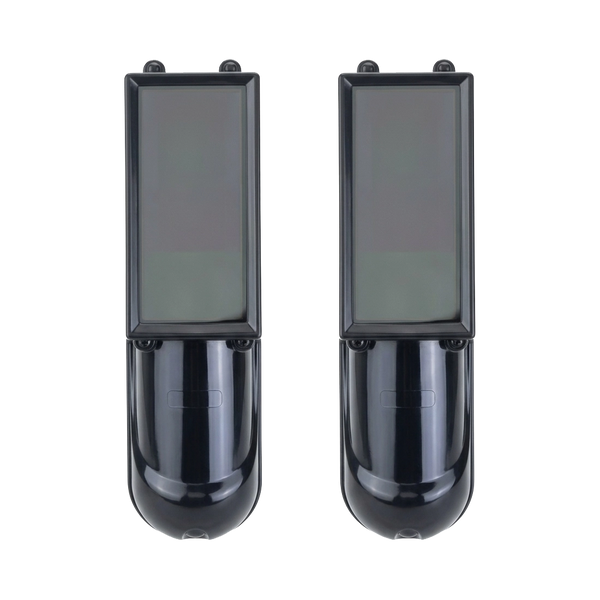
Infrared beam barrier
The ShieldLink® Plus panel is compact yet powerful and fully configurable via the clear colour touchscreen with an interface in English. You connect it with the included USB-C cable, and ...

Download the manual as PDF
Choose your language below. The manual opens as a PDF file.
See step by step how to start the ShieldLink® Plus for the first time and connect it to the app.

See how to pair sensors and other accessories directly on the ShieldLink® Plus panel.
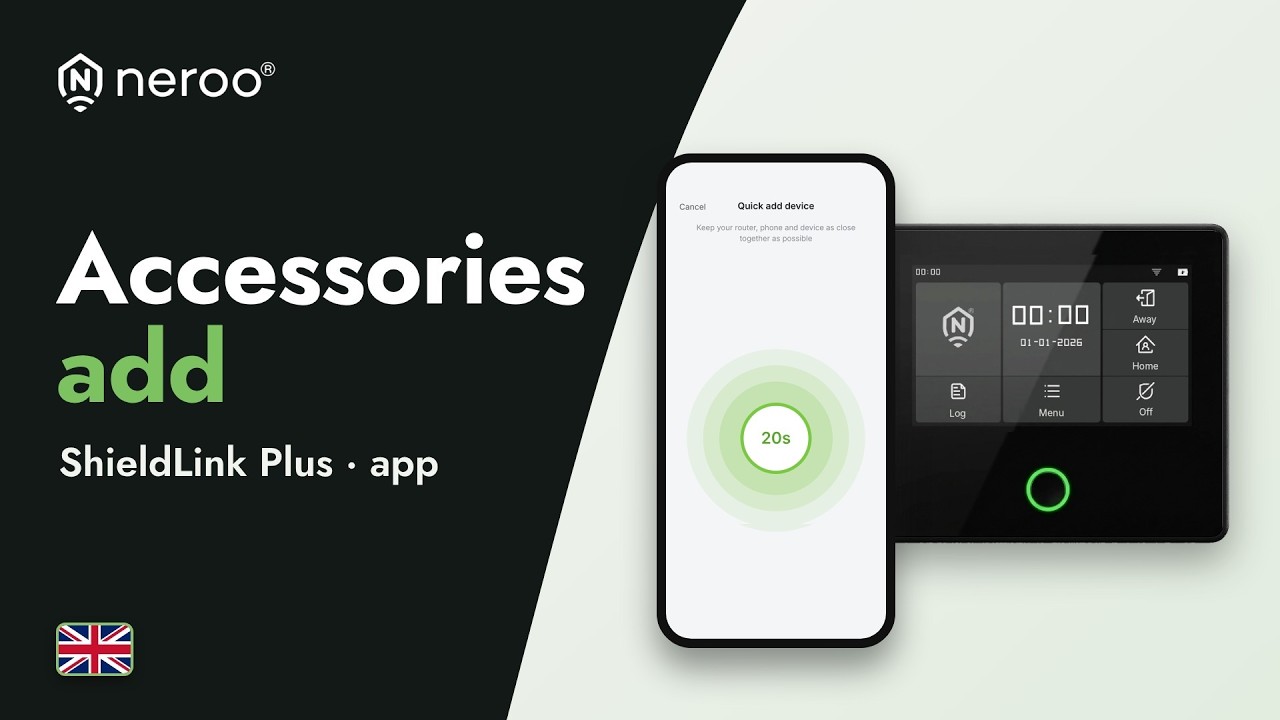
See how to add sensors and other accessories to your ShieldLink® Plus via the app.

See how to use the Neroo Cam 2 as a motion detector for your ShieldLink alarm with an automation in the app.

See how to link multiple alarm panels in the app so they arm, disarm and trigger the alarm together.

Go straight to the product page for specifications, available versions and up-to-date product information.
To product pageYou control your Neroo system with the free Smart Life app. Scan the QR code or choose your app store.


Stuck? Just send us a message and we’ll help you quickly.