












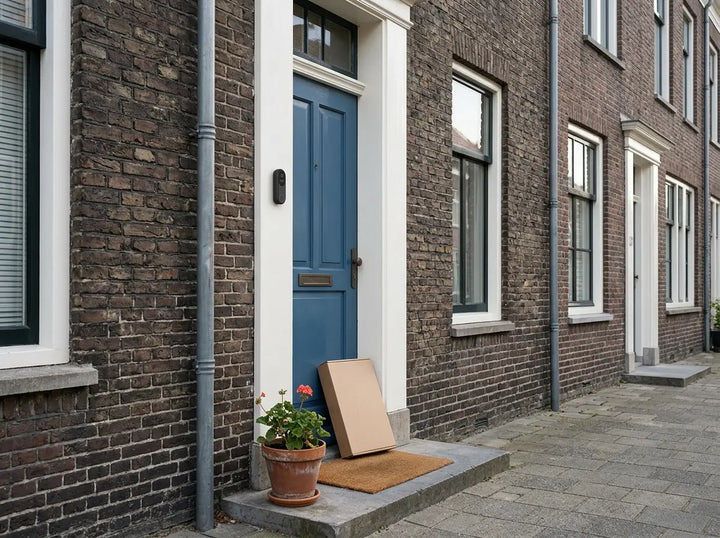
Missed another parcel?
Talk to the courier and tell them where it's safe to leave it.


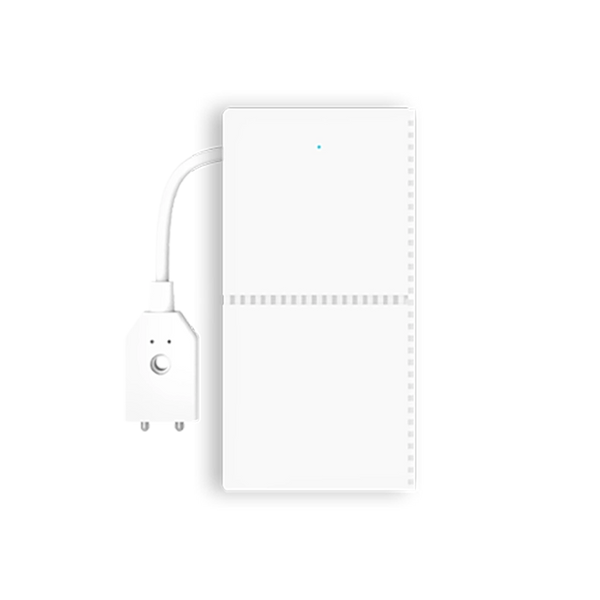
Door/window contact
Recommended
Door/window contact
Elite
Door/window contact
Elite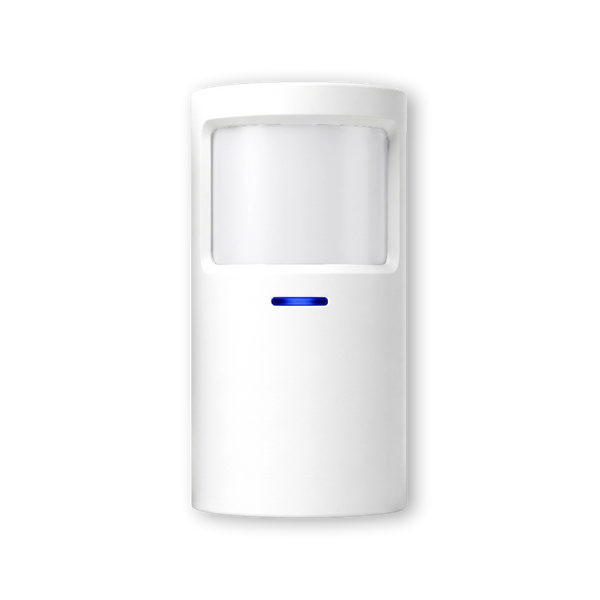
Motion detector

Glass break detector
Budget
Motion detector
Recommended
Motion detector
Recommended
Motion detector
Nieuw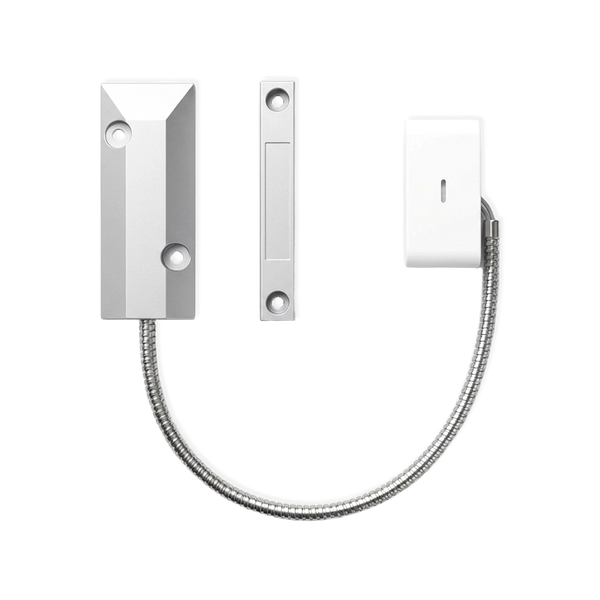
Roller shutter & garage door sensor
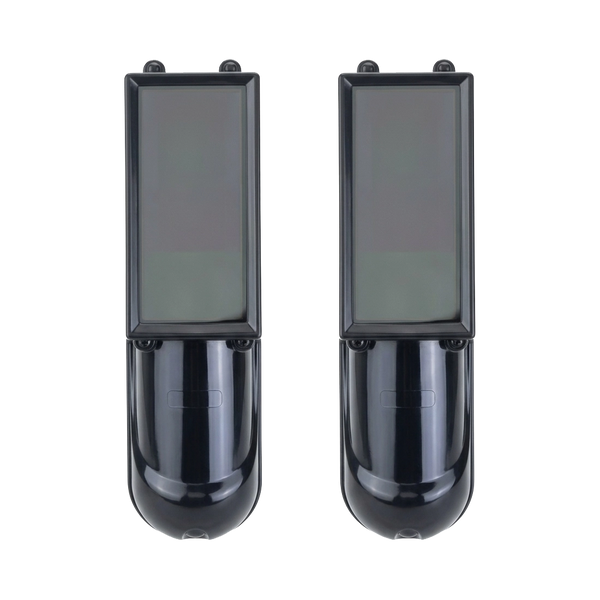
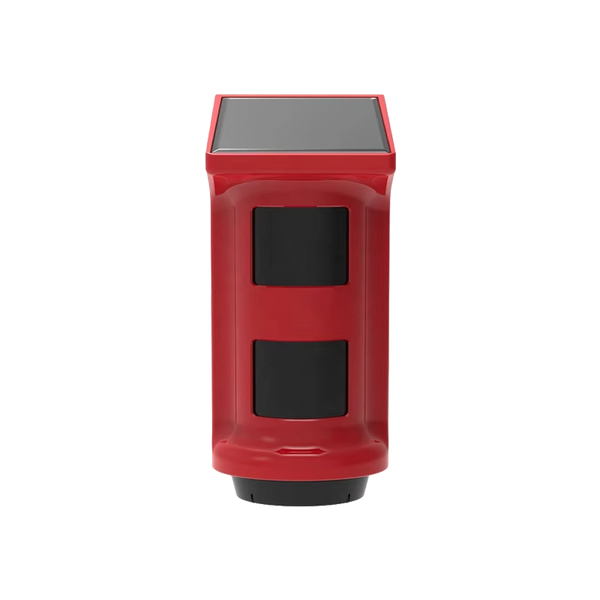
Infrared beam barrier
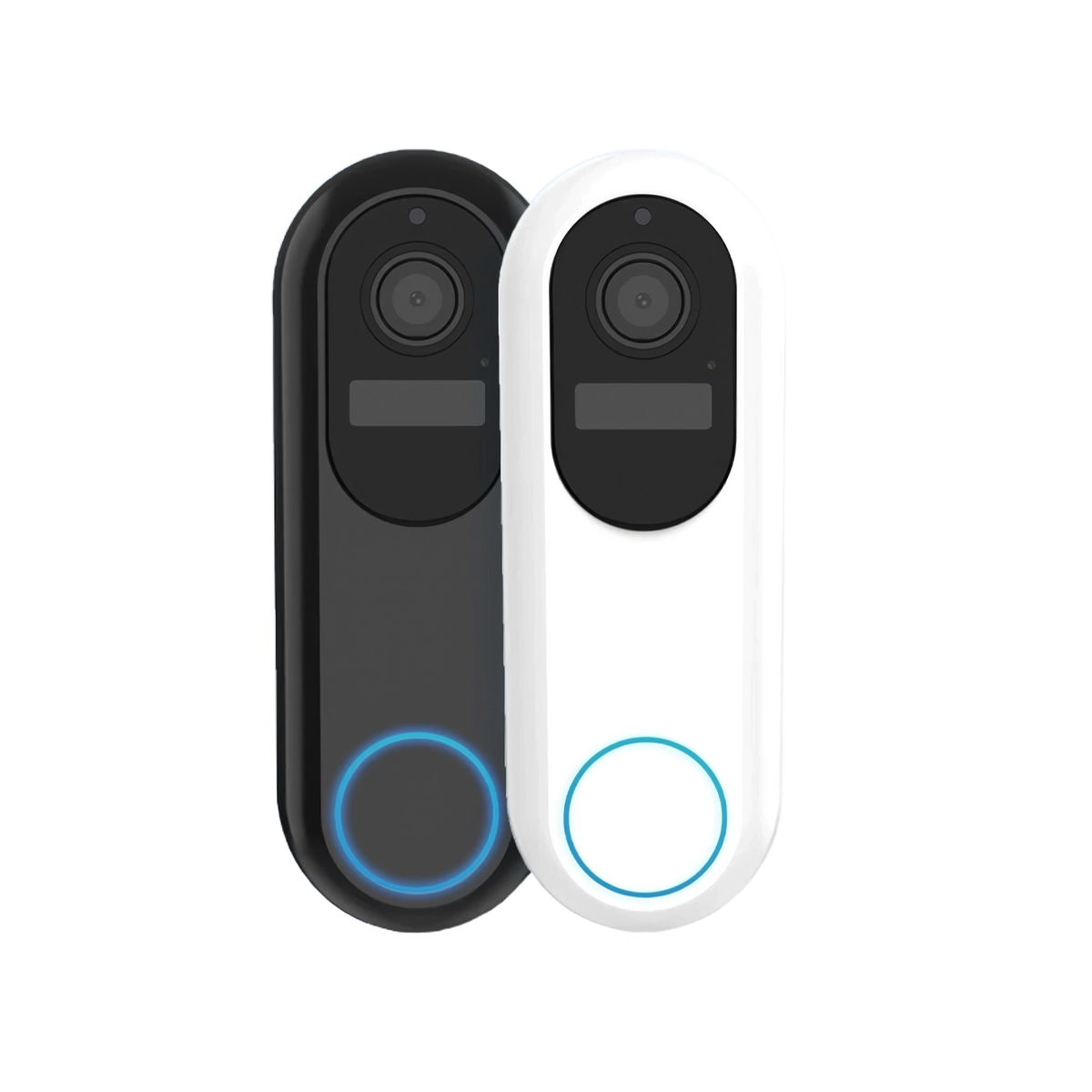
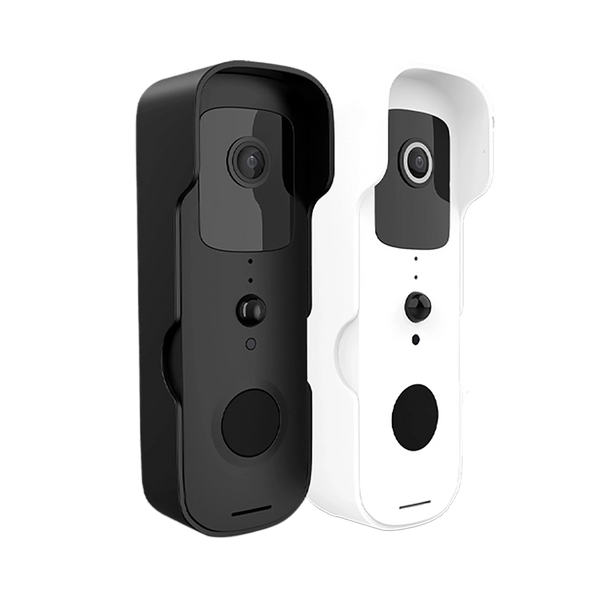
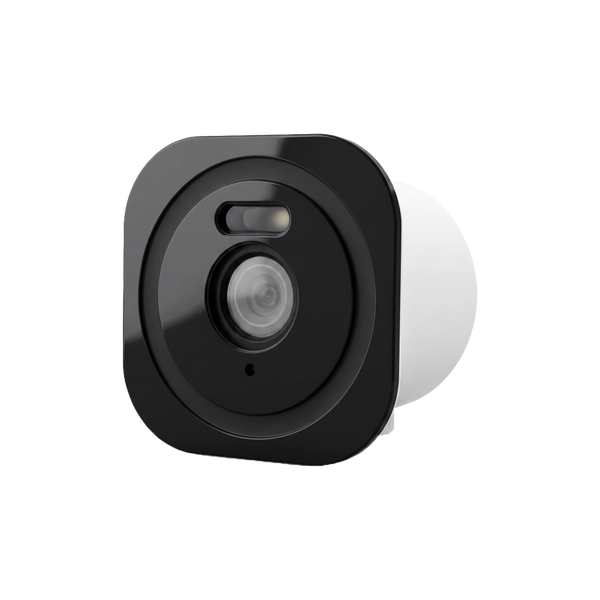
The courier rings while you're at work. With the BellMate® you see who's there, talk to them and tell them where the parcel can be left safely. Footage is stored on a memory card in the doorbell itself, so you pay nothing per month. And if you already have a ShieldLink® system, everything is in the same app.
Pick a kit as your starting point and tailor it to your home.
Pay once. The system is 100% yours.
Try it at home at your own pace. Not satisfied? Return it for free.
Stick, pair, done — in around 30 minutes.
Get quick help via WhatsApp or phone.
Talk to the courier and tell them where it's safe to leave it.
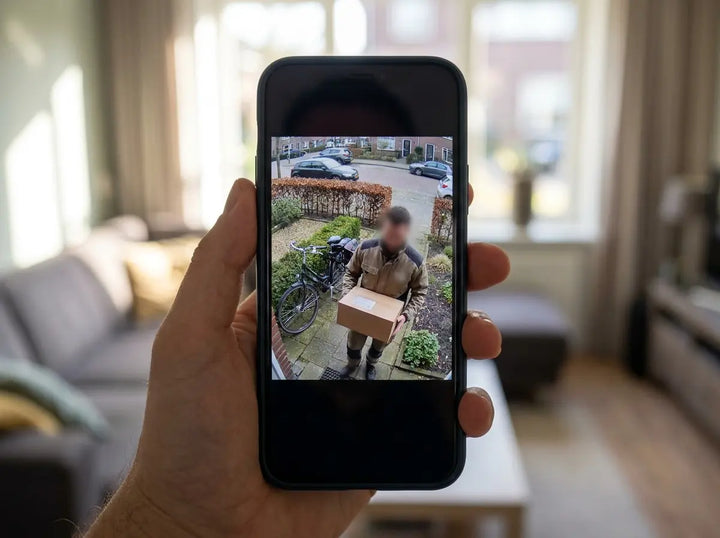
Video and audio before you open up, even in the evening.
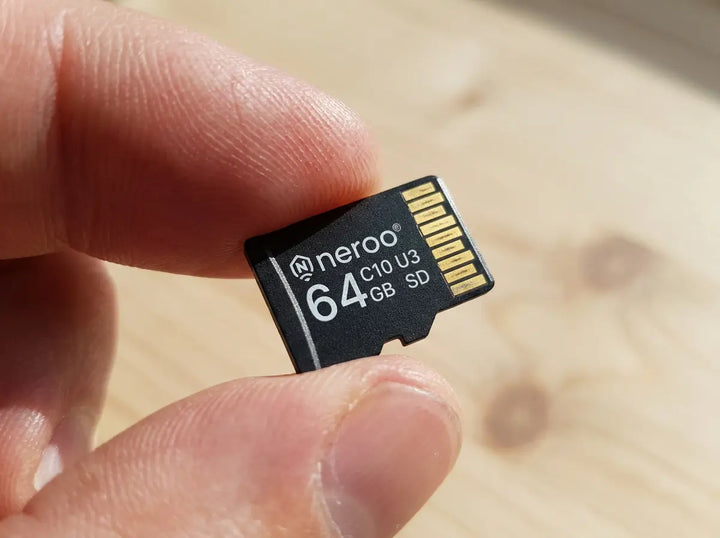
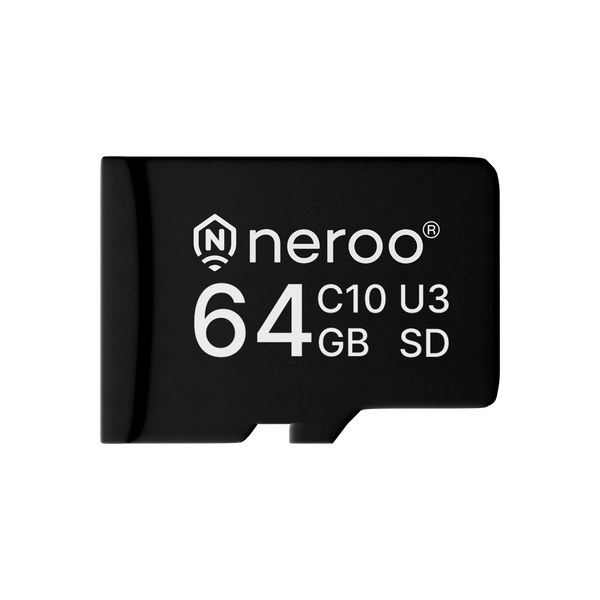
Everything on a memory card, no monthly fees.
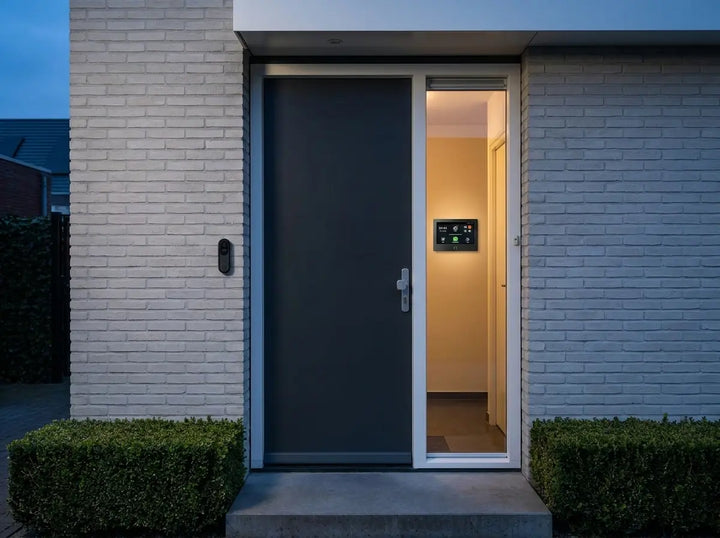
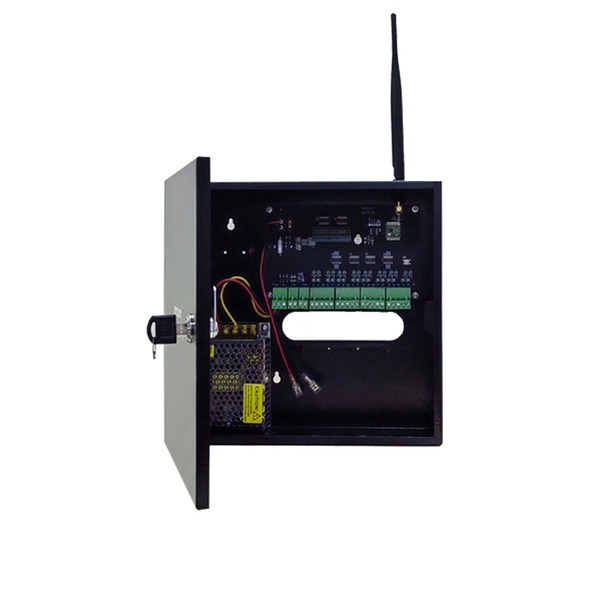
The doorbell works in the same app, and the control panel sounds the chime.
The difference is mainly in the Wi-Fi connection. The Ultra runs on dual-band Wi-Fi, so both 2.4 and 5 GHz, and you'll notice that if your router is a bit further from the front door or your network is busy — the picture stays more stable. The standard BellMate® is the entry-level model with a wide 155-degree viewing angle and also works with Alexa and Google Assistant. If you live in a terraced house with the router in the living room, the BellMate® will do just fine. If your router is at the back of the house and your front door at the front, choose the Ultra.
No. You put a memory card in the doorbell and the footage stays there, on your own device. No subscription, no one else's server. Cloud storage is available if you want it, but it's optional and you don't need it to use the doorbell. That's exactly why we do it this way: you buy it once and that's the end of it.
You may film your own property, but the public road and your neighbours' property are off-limits. In practice the solution is simple: mount the doorbell so that it shows your own front door and the path to it, not the whole street or the neighbours' patio. If a bit of pavement inevitably ends up in view, you can mask part of the image in the app. Giving the direction some thought when you mount it saves you an awkward conversation later.