















Short answer: In three ways: with a notification on your phone, via the ShieldLink® alarm control panel acting as a chime, or with a separate chime that plugs into a power socket. That chime has 52 melodies and an adjustable volume of up to 110 dB. In a large house or on several floors, you combine them.
Our solution
Video doorbell without a subscription
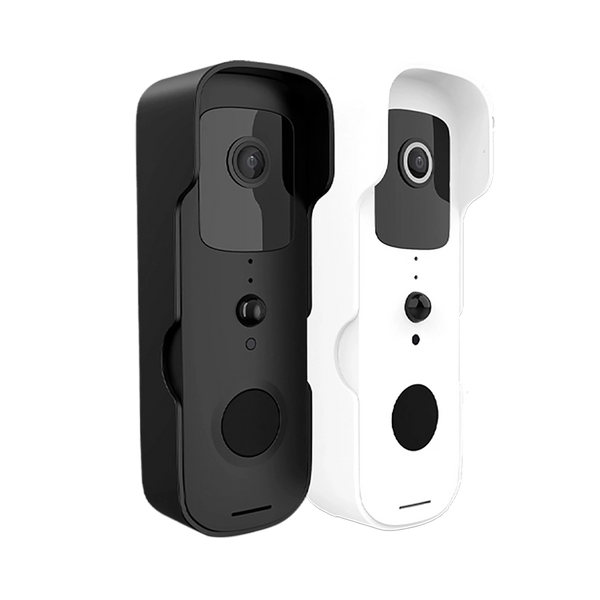
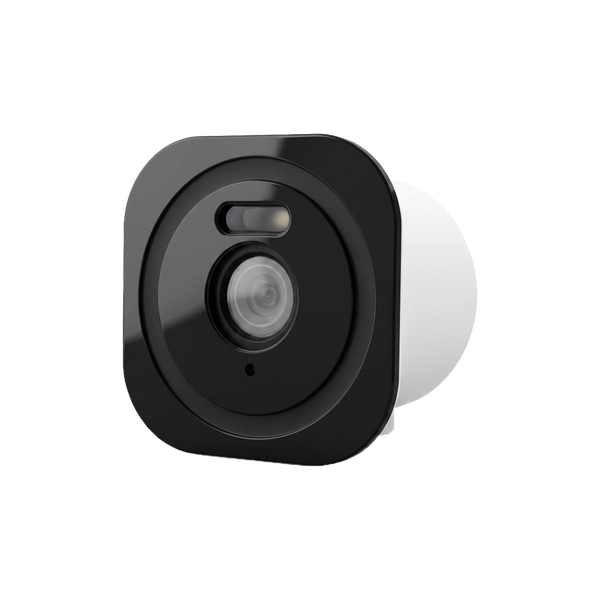
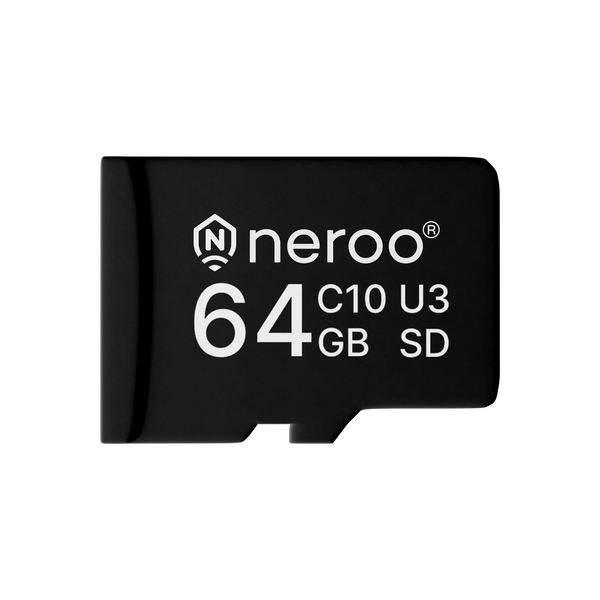
The BellMate reports a ring on your phone and makes your alarm panel or a separate chime sound inside the house. You store recordings on a microSD card.
View the options
With a video doorbell you can see who is at the door, even when you're not home. But when you are home, you mainly want one thing: to hear that someone is ringing. That doesn't always happen by itself. In this article you'll read what the three options are and which combination suits your home.
Why don't you automatically hear a video doorbell?
A classic doorbell is wired to a chime in the hallway. A video doorbell is different. The Consumentenbond (the Dutch consumers' association) points out that some doorbells with a camera work with your existing chime, while others need a separate chime from the manufacturer.
Neroo's BellMate and BellMate Ultra run on a rechargeable battery and via Wi-Fi. So there is no wire to a chime in the house. The signal that someone is ringing therefore comes from your phone, from the alarm panel or from a separate chime.
1. A notification on your phone
If someone rings or the BellMate detects motion, you get a notification on your smartphone. You can watch live straight away and talk to your visitor via two-way audio. That works at home and on the go, as long as the doorbell is connected to your Wi-Fi.
You probably know the downside: you won't hear a phone that is on silent, lying on another floor or out of battery. For anyone at home, the phone is therefore rarely the only solution.
2. The alarm panel as a chime
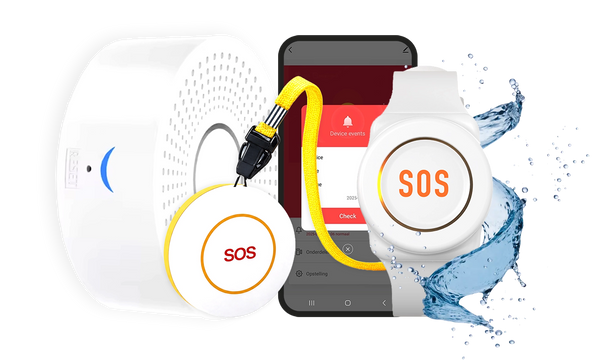
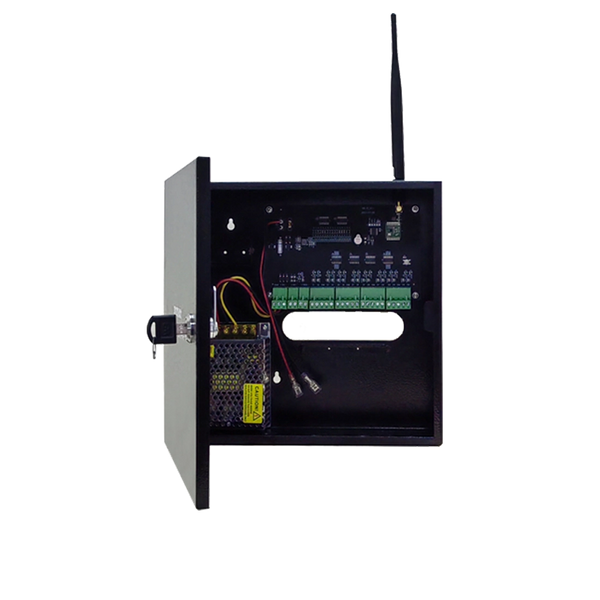
If you have a ShieldLink® alarm system, you link the BellMate to the alarm control panel. You then operate the doorbell in the same app as your alarm, and the panel also works as a chime: when someone rings, the panel sounds.
That is handy, because you don't need an extra device. The limitation is obvious: you mainly hear the signal in the room where the panel is. If the panel is in the hallway and you are upstairs or in the garden, it may be too far away.
3. A separate plug-in chime

You plug the sound dongle (chime) for the BellMate into an ordinary power socket. It works directly with the video doorbell and is an extra, independent sound source alongside the alarm panel. You can also place several chimes in the house, for example one per floor.
The key specifications at a glance:
- 52 melodies: you choose the ringtone yourself.
- Adjustable volume: from about 10 to 110 dB.
- Reception range: up to 150 metres according to the specifications. Walls and floors can reduce that in practice, so test the location.
- Energy-efficient: consumption is about 0.01 watts.
- Compact: about 7 × 5 × 3 cm.
- Two colours: white or black, so it matches your sockets and interior.
When to choose what?
The three options don't exclude each other. You always have your phone; the question is mainly where else you want to hear a ring.
| Situation | What works well |
|---|---|
| Apartment or small home | Phone plus the alarm panel as a chime, or one separate chime in a central spot. |
| Large house or several floors | A separate chime per floor, alongside the panel in the hallway. |
| Workspace in the attic, shed or garden | A separate chime in a socket close to that spot. |
| Children or night shifts: quiet in the bedrooms | Don't place the chime right next to the bedrooms and turn the volume down; your phone still gives the notification. |
| Often away from home | The phone: you see and talk to your visitor wherever you are. |
| No alarm system yet | Phone plus one or more separate chimes. |
Tips for placing a chime
- Choose the place where you spend most time, not necessarily the hallway. You'll hear a chime in the living room or kitchen more often than one by the front door.
- Test first. Plug the chime into the socket where you want it and have someone ring the bell before you choose a permanent spot.
- Set a suitable volume. In an open-plan kitchen-diner a lower volume is often enough; in the attic above a washing machine it can be louder.
- Combine with your alarm. If you already have a ShieldLink® panel, that is your first chime. Separate chimes fill in the places where you can't hear the panel.
Still wondering whether you need a subscription for a video doorbell? Then read Do you need a subscription for a video doorbell? And if you're installing a doorbell with a camera, keep the privacy rules in mind: Am I allowed to install a camera on my house?
So how do you hear inside your home that someone is ringing?
Via a notification on your phone, via the ShieldLink® alarm panel as a chime, or with a separate plug-in chime in the places where you often are, and in a large house preferably with a combination of these.


Our solution
Video doorbell without a subscription
The BellMate reports a ring on your phone and makes your alarm panel or a separate chime sound inside the house. You store recordings on a microSD card.
View the options
Frequently asked questions
Does a video doorbell work with your existing doorbell chime?
That depends on the doorbell. The BellMate runs on a battery and via Wi-Fi, without a wire to a chime. The ring inside the house comes from your phone, the ShieldLink alarm panel or a separate plug-in chime.
How loud is the chime for the BellMate?
The volume is adjustable from about 10 to 110 dB. You also choose from 52 melodies, so you decide on the ringtone and the sound level that suits your home.
Can you use several chimes with one video doorbell?
Yes. According to the product information, you can place several chimes in the house, for example one per floor or one in the attic. If you have a ShieldLink alarm system, the panel also sounds as a chime.
How far can the chime be from the doorbell?
The specifications state a reception range of up to 150 metres. Walls and floors can reduce that in practice, so test the location before you choose a permanent socket.
Will you hear the doorbell if your phone is on silent?
Not via your phone. That is what the alarm panel as a chime or a separate plug-in chime is for: they sound inside the house, independently of your phone.
Sources and references
- Consumentenbond, Koopadvies deurbel met camera? Hier moet je op letten — accessed September 2026


