















Short answer: Yes, but connecting can mean many things. With Neroo you operate ShieldLink®, the BellMate video doorbell and the Neroo® Cam in one app, the ShieldLink® Pro panel can be controlled via Google Assistant and Alexa, and the system works with Home Assistant. ShieldLink® does not work with Zigbee or the Google Home app.
Our solution
One app for alarm, doorbell and camera
With ShieldLink® you operate your alarm system, the BellMate video doorbell and the Neroo® Cam in the same app. The ShieldLink® Pro panel also responds to Google Assistant and Alexa.
View the options
What does connecting actually mean?
Connecting an alarm system to your smart home sounds like one thing, but in practice people mean four different things by it:
- One app for your alarm, cameras and video doorbell, so you don't have to switch between apps.
- Voice control via a voice assistant such as Google Assistant or Alexa.
- A smart home platform such as Home Assistant, which brings together devices from different brands and lets you create automations with them.
- A wireless standard with a hub, such as Zigbee or Matter, through which devices from different brands talk to each other via one central unit.
Which of those four you need depends on what you already have at home. This is how it works with ShieldLink®:
| Type of connection | What you do with it | ShieldLink® |
|---|---|---|
| One app | View and operate alarm, camera and doorbell together | Yes: BellMate and Neroo® Cam work in the same app |
| Voice assistant | Operate the alarm panel with your voice | Yes: the Pro panel via Google Assistant and Alexa |
| Home Assistant | Your own automations across brands | Yes |
| Google Home app | Manage devices in Google's app | No |
| Zigbee | Let devices work together via a Zigbee hub | No |
Alarm, camera and doorbell in one app
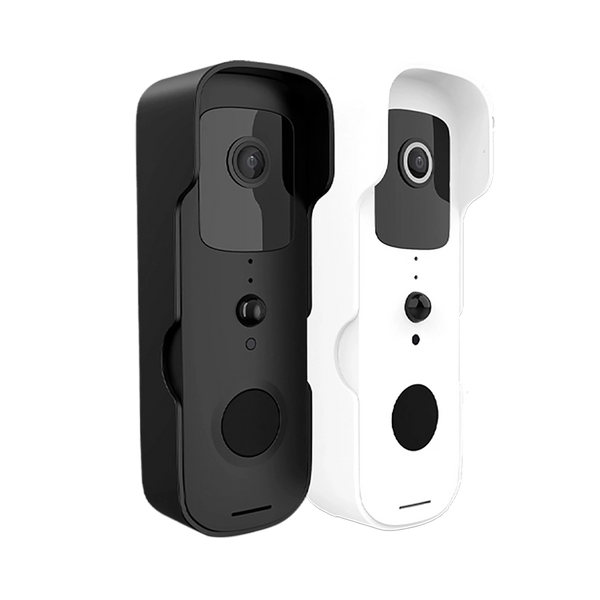
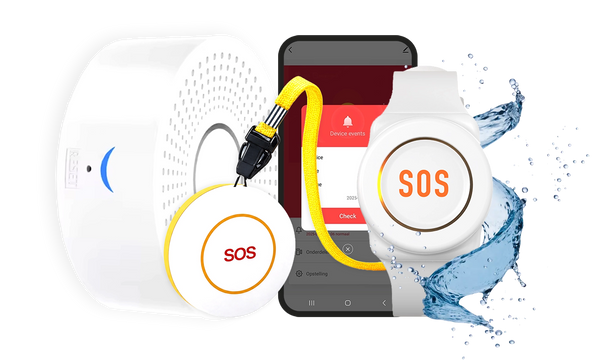
For most people, this is the connection that matters most in daily use. You link the BellMate video doorbell to the ShieldLink® alarm panel and operate it in the same app. The panel also works as a chime: you hear inside that someone is ringing. When there is motion or someone presses the bell, you get a notification on your phone.
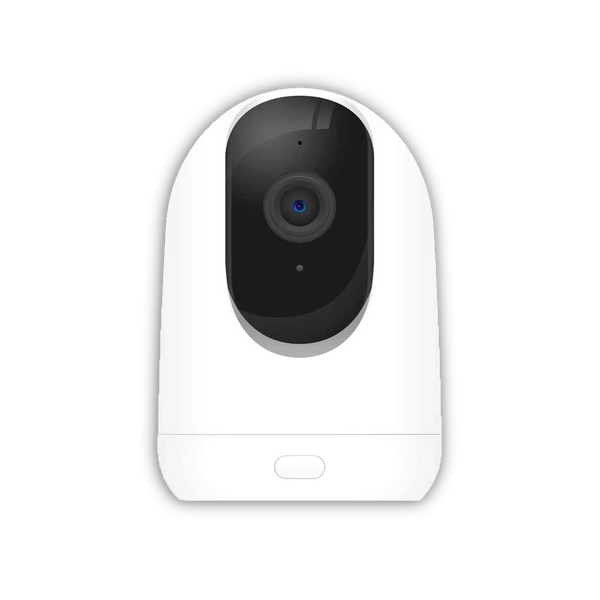
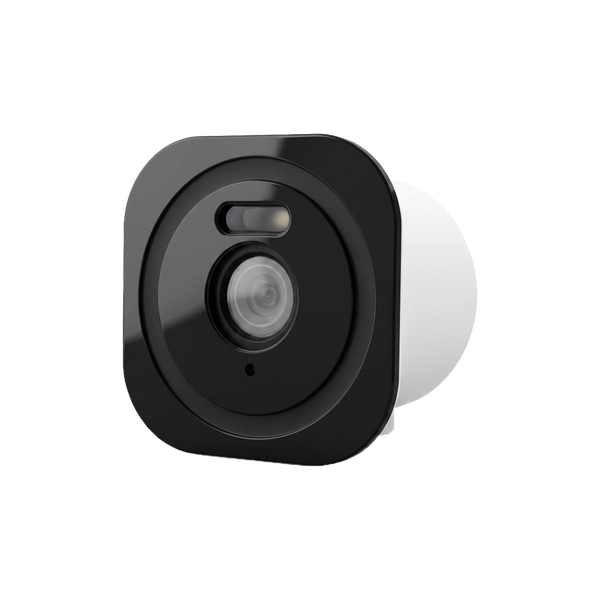
The Neroo® Cam also works in the same free app as the Neroo alarm systems. If your alarm goes off, you watch live to see what is going on, for example whether it is just your pet.

Alarm, doorbell and camera in one app: when you get a notification you immediately see what is going on, without having to switch from one app to another.
Voice control with Google Assistant and Alexa
The ShieldLink® Pro panel can be controlled via Google Assistant and Alexa. That is handy if you already use a smart speaker or smartphone with a voice assistant at home.
Two things to know. Google Assistant is not the same as the Google Home app: ShieldLink does not work in the Google Home app. And voice control applies to the alarm panel, not to the BellMate doorbell.
Home Assistant: for those who want to set everything up themselves
Home Assistant is an open-source home automation platform that, in its own words, puts local control and privacy first. You run it yourself, for example on a Raspberry Pi or your own server, and it supports devices from more than a thousand brands. It is especially popular with people who like to build their own automations.
The ShieldLink® system works with Home Assistant. If you already use that platform, you can add your alarm to your existing setup.
Zigbee, Matter and hubs: what are they?
Zigbee and Matter are standards from the Connectivity Standards Alliance. Zigbee is a wireless network for low-power devices, such as lights and sensors, that works as a mesh: devices pass signals on to each other. Matter is a standard intended to let devices from different brands work together, via Wi-Fi or Thread.
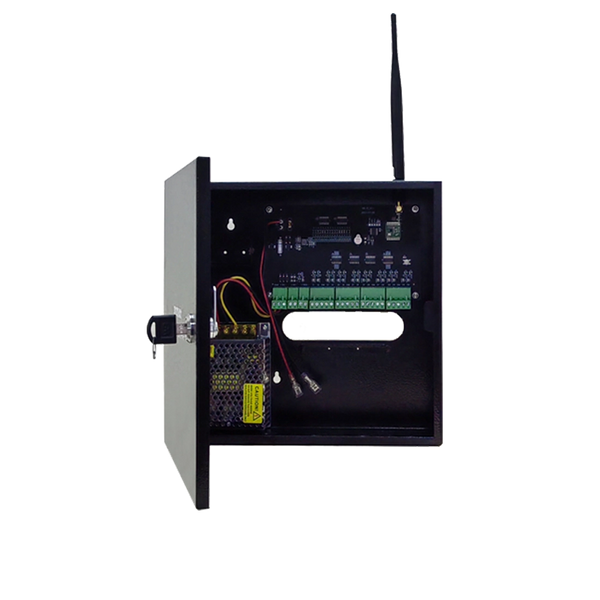
ShieldLink® does not work with Zigbee. The system has its own wireless connection: the sensors talk directly to the alarm panel, which is the central unit of the system. Standard sensors reach about 150 metres to the panel, the Elite versions with LoRa up to 500 metres. You can read how that works in how does a wireless alarm system work.
Connecting without weakening your security
Every device connected to the internet is also a possible way in. The Dutch Rijksinspectie Digitale Infrastructuur (RDI, the national digital infrastructure inspectorate) and the Dutch site Veiliginternetten.nl therefore give a few standard tips:
- choose a strong password of at least twelve characters for every device and replace default passwords straight away;
- install updates as soon as they are available, usually via the app you use to control the device;
- turn on two-step verification where possible;
- use a well-secured Wi-Fi network and turn off UPnP on your router;
- only connect what you really need.
Also think about what happens if the Wi-Fi fails. The ShieldLink® Pro and Elite have a SIM card slot: with a SIM card you get notifications by text message and phone call, even during a Wi-Fi outage or power cut. The panel has a backup battery and keeps working for up to 24 hours during a power cut. You can read more about the security of wireless systems in is a wireless alarm system secure.
So can you connect an alarm system to your smart home?
Yes: ShieldLink® shares one app with the BellMate and the Neroo® Cam, the Pro panel can be controlled with Google Assistant and Alexa, and the system works with Home Assistant, but not with Zigbee or the Google Home app.


Our solution
One app for alarm, doorbell and camera
With ShieldLink® you operate your alarm system, the BellMate video doorbell and the Neroo® Cam in the same app. The ShieldLink® Pro panel also responds to Google Assistant and Alexa.
View the options
Frequently asked questions
Does ShieldLink work with Google Home?
Not with the Google Home app. The ShieldLink® Pro panel can, however, be controlled via Google Assistant.
Can you control an alarm system with Alexa?
The ShieldLink® Pro panel can be controlled via Alexa and via Google Assistant. The BellMate video doorbell cannot be controlled via a voice assistant.
Does ShieldLink work with Home Assistant?
Yes, the ShieldLink® system works with Home Assistant, so you can add it to your existing smart home setup.
Do you need a Zigbee hub for ShieldLink?
No. ShieldLink® does not work with Zigbee: the sensors connect via their own wireless connection directly to the alarm panel, which is the central unit of the system.
Does the alarm still work if the Wi-Fi fails?
The ShieldLink® Pro and Elite have a SIM card slot. With a SIM card you get notifications by text message and phone call, even during a Wi-Fi outage or power cut. The panel keeps working on the backup battery for up to 24 hours during a power cut.
Sources and references
- Rijksinspectie Digitale Infrastructuur (RDI, Netherlands), Tips voor beveiliging slimme apparaten — accessed September 2026
- Veiliginternetten.nl, Hoe moet ik mijn slimme alarmsysteem updaten? — accessed September 2026
- Home Assistant, Open source home automation that puts local control and privacy first — accessed September 2026
- Connectivity Standards Alliance, Zigbee — accessed September 2026
- Connectivity Standards Alliance, Matter — accessed September 2026


