
















Short answer: yes, in principle it is possible, but only if you make it easy. Strangers watch through a camera that still has its factory password, that is reachable directly from the internet, or that comes from an obscure manufacturer and sends every image to a server you have no insight into. With a strong, unique password, two-factor authentication, updates and local storage on a memory card, the chance of someone watching uninvited is small. And if you want to be certain that nobody is watching while you are at home, not even you, you put the camera in privacy mode.
A camera at home is useful: you can see whether the dog is settled, whether the kids are home, and whether that alarm notification was a burglar or the cat. But the idea that someone else might see those images too is reason enough for many people not to get one. Rightly or wrongly? In this article we explain how someone could watch through your camera in the first place, what actually goes wrong in practice, what the Dutch government and the NCSC advise, and which settings you can sort out in five minutes so that your camera watches for you alone.
Our solution
Cameras without a subscription
Indoor and outdoor cameras you buy once, with storage on a memory card, a privacy mode and the same free app as your alarm system.
View the cameras
How can someone watch through your camera?
A smart camera is a small computer with a lens that talks to your phone over the internet. Anyone who wants to watch has to get into that chain somewhere. In practice there are three routes. The first is your account: anyone who has the email address and password for your camera app can simply log in and see what you see. That happens more often than you would think, because people use the same password in ten places and one of those places was leaked at some point.
The second route is the camera itself. Older IP cameras and cheap models without an app sometimes sit directly on the internet, with an open port on your router and a default password such as "admin". Search engines for connected devices find cameras like that in seconds. That is exactly the route Russian state hackers used in 2026, according to the AIVD and MIVD (the Dutch intelligence services), to hack cameras along military routes in the Netherlands: they scanned the internet for cameras and got in through default passwords, outdated firmware and default settings.
The third route runs through the manufacturer. Almost every app-based camera sends its images to your phone via a server run by the maker. If that server is poorly secured, anyone who gets in there can in principle reach a huge number of cameras at once. That is the scenario that makes the news as "millions of cameras exposed".
What goes wrong in practice
In October 2025, a Dutch ethical hacker showed how a range of cheap cameras from outside the EU, sold in huge numbers through online marketplaces, was so leaky that within a day he could watch live into bedrooms and living rooms across Europe and retrieve stored clips. All the video traffic ran through the same servers outside Europe, with the owner having no say in the matter. The Rijksinspectie Digitale Infrastructuur (the Dutch Authority for Digital Infrastructure) then warned consumers: a CE mark is not a quality label and is easy to fake, so be extra critical of smart devices from unknown sellers outside the EU.
The pattern in almost every incident is the same: the problem is not the camera as such, but a combination of an unknown manufacturer, a default password that was never changed, no updates and footage that is forced into a cloud you have no control over. Remove those four things and the risk of someone watching you becomes very small.
| Risk | How someone gets in | What prevents it |
|---|---|---|
| Leaked or reused password | Logging in to your camera account | Unique password and two-factor authentication |
| Camera exposed on the internet | Scanning for open ports and default passwords | No open ports, UPnP off, change the default password |
| Old firmware | Exploiting known vulnerabilities | Install updates, choose a brand with support |
| Insecure manufacturer cloud | Breaking into the maker's server | Local storage, cloud only if you choose it |
| Shared account | Ex-housemate or old phone still logged in | Share per person, revoke access |
Can the manufacturer watch?
Technically, with every app-based camera the live feed passes through the manufacturer's infrastructure, so the honest question is not whether that is the case, but how it is handled. That is why the Dutch government also advises reading the privacy statement: it tells you what data the manufacturer processes, where the servers are located and whether footage is retained. A manufacturer that falls under European privacy rules is not allowed to simply watch along and must encrypt the connection. With an unknown seller outside the EU, you have no such certainty.
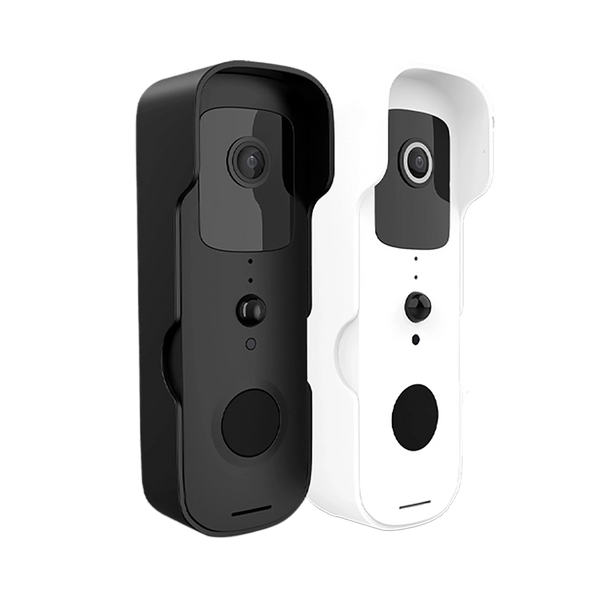
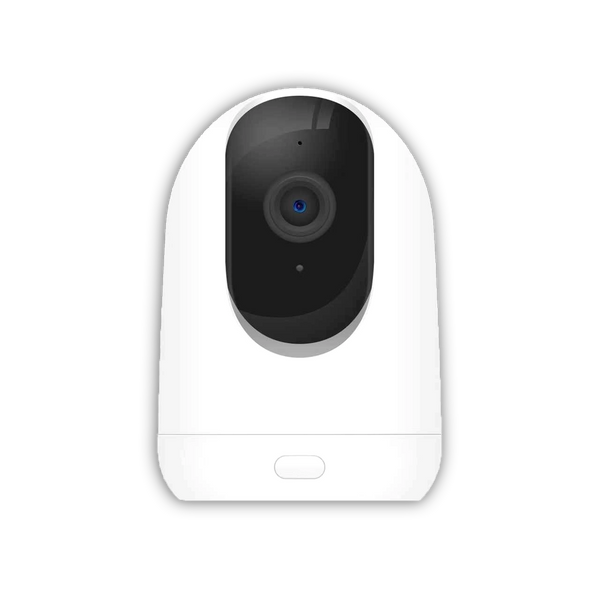
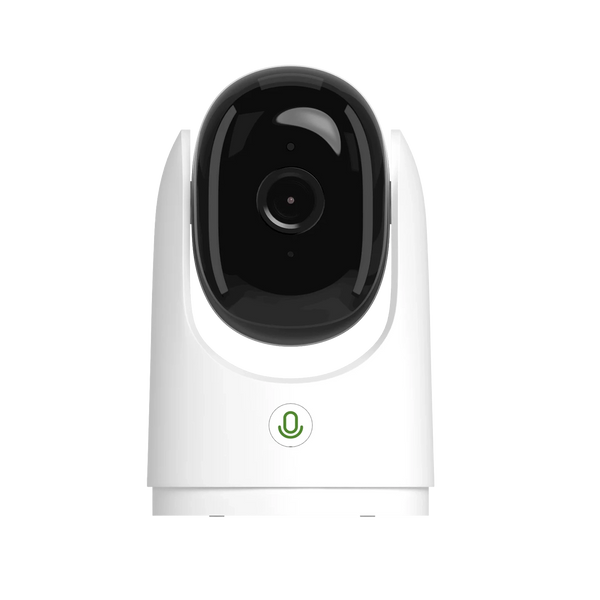
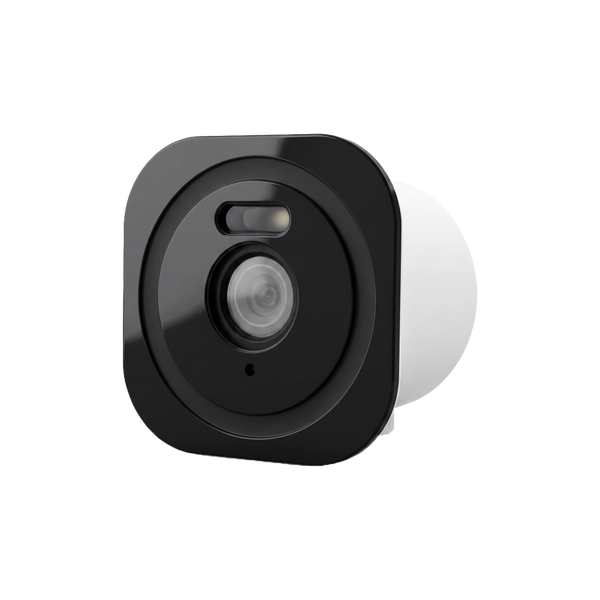
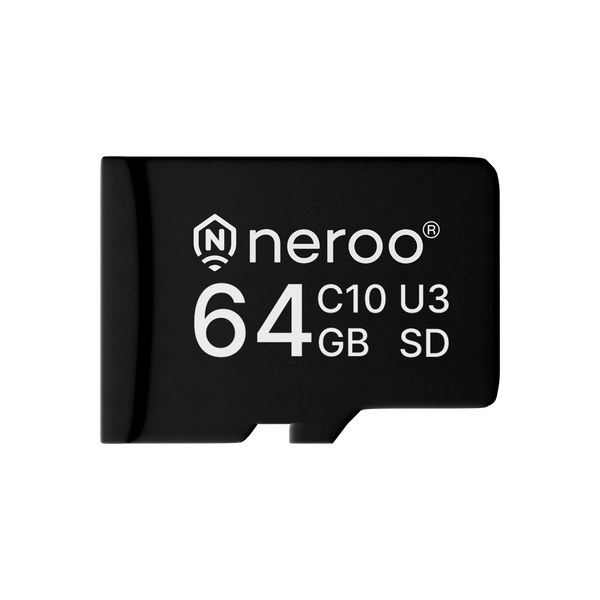
What you do control is whether any footage ends up with the manufacturer at all. A camera that records to a memory card inside the camera itself keeps the clips at home; the cloud is then at most an option you deliberately switch on. That is also how Neroo's cameras work: the Neroo® Cam 2 and the Neroo® Cam store up to 128 GB locally, the OutView window camera up to 256 GB, and cloud storage is optional, never mandatory.
Cloud or memory card: where are your recordings?
Cloud storage has one real advantage: if a burglar steals the camera, the footage is still safe. Against that, you pay every month, your footage sits on someone else's server and you depend on the service. A memory card is free, stays yours and keeps working even when the internet goes down. The recordings are only available once you retrieve them yourself, though, and whoever takes the camera takes the card with it.
For an indoor camera that you mainly use to verify an alarm notification, a memory card is usually the logical choice: you watch live at the moment it matters and keep only what you want to keep. How many hours of footage fit on a card is worked out in our article on memory cards in cameras. If you want the reassurance of a copy off-site, you switch the cloud on as well, but then that is your choice, not the manufacturer's.
How to make sure only you are watching
The Nationaal Cyber Security Centrum (the Dutch National Cyber Security Centre) has a list of basic security measures for smart devices. Translated to a camera at home, it comes down to this; it takes you a quarter of an hour.
- Use a unique, strong password for the camera app. Not the same one as your email or online shops. A password manager makes that easy.
- Turn on two-factor authentication wherever the app supports it. Then a leaked password alone is not enough to log in.
- Change every default password on the camera and on your router, and switch off UPnP in the router. Never open a port to your camera yourself; a modern app-based camera does not need it.
- Install updates. Turn on automatic updates and choose a brand that keeps supporting its products.
- Put your smart devices on your router's guest network if it has one. If anything is ever wrong with a device, it cannot reach your laptop or NAS.
- Share per person, not per password. Give housemates access through the app's sharing feature, with their own account, and revoke that access when someone moves out or loses a phone. In the Neroo app you do that under "Share device".
- Choose local storage and only turn on the cloud if you really want it.
And when you are at home: privacy mode

The uneasy feeling about a camera in the house rarely comes from hackers, but from the camera itself sitting on the cabinet in the evening while you are on the sofa. There is a simple solution for that. The Neroo® Cam 2 has a privacy mode: switch it on and the camera literally turns its eye downwards and switches off both video and audio. So you can see from the camera itself that it is not watching, without having to pull the plug. When you go out, you switch it back on with a single tap in the app. The Neroo® Cam has the same privacy mode, only its eye stays in place. That way you use the camera for what it is meant for, watching when nobody is supposed to be home, and it is off when you are there.
If you would rather not have a camera in the living room at all, you can also keep it out of the living space: in the hallway by the front door, or as a window camera that looks out through the glass from inside, like the OutView. Then you can see who is on the driveway without a lens in your own room. What you are and are not allowed to film around your house is covered in our article on the rules for a camera on your house.
So, can people watch through your camera?
Only if the door is left open: a reused or default password, a camera sitting directly on the internet, no updates, or an unknown manufacturer that sends all footage to its own cloud. With a unique password, two-factor authentication, updates, local storage on a memory card and a privacy mode for when you are at home, only you are watching.


Our solution
Cameras without a subscription
Indoor and outdoor cameras you buy once, with storage on a memory card, a privacy mode and the same free app as your alarm system.
View the cameras
Frequently asked questions
How do I know if someone is watching through my camera?
Watch for things you did not do yourself: a camera that moves or a light that is on while nobody has the app open, unknown devices or logins in your account, or settings that have changed. If in doubt, change your password straight away, turn on two-factor authentication, remove any unknown shared users and install the latest update.
Is my camera on without me knowing?
A camera that has power is on and can send video to whoever is logged in. If you want to be sure nobody is watching, use privacy mode: on the Neroo® Cam 2 the lens then visibly turns downwards and video and audio are switched off.
Is a camera with cloud storage less secure than one with a memory card?
Not necessarily less secure, but more dependent: your footage sits on someone else's server and you rely on their security. With a memory card the recordings stay at home and you decide what happens to them. The biggest risk lies with unknown manufacturers that force footage into their own cloud without a clear privacy statement.
Can the police or the manufacturer request my footage?
The police can request footage as part of a criminal investigation, and with local storage you then hand it over yourself. What a manufacturer may do with footage is set out in the privacy statement; a manufacturer that falls under European privacy rules is not allowed to simply watch along. Read that statement before you buy.
Can I have a camera in the house if there is a housemate or babysitter?
Yes, but tell them and be open about where the camera is and when it is on. Secretly filming people who are staying in your home is not allowed. Privacy mode helps here: switch it on when there are people in the house, so the camera only watches when the house is supposed to be empty.
Sources and references
- Rijksoverheid, AIVD and MIVD (Dutch government and intelligence services), Nederland doelwit van Russische spionageoperatie via IP-camera's (10 July 2026) — accessed November 2026
- Nationaal Cyber Security Centrum (Dutch National Cyber Security Centre), Factsheet Basisbeveiligingsmaatregelen slimme apparaten (IoT) (May 2023 version) — accessed November 2026
- Hart van Nederland / De Telegraaf, Goedkope beveiligingscamera gescoord? Mogelijk wordt er meegekeken (13 October 2025), including the warning from the Rijksinspectie Digitale Infrastructuur (Dutch Authority for Digital Infrastructure) — accessed November 2026
- Rijksoverheid (Dutch government), Hoe kan ik slimme apparaten veilig gebruiken? (updated July 2026) — accessed November 2026
- Consumentenbond (Dutch consumers' association), Beveiligingscamera en privacy (October 2025) — accessed November 2026
- Neroo.nl, Current product data for the Neroo® Cam 2, Neroo® Cam, OutView and BellMate Ultra


