















Short answer: Technically, a modern alarm system lasts around ten to fifteen years. The control panel is usually the longest-lasting component, sensors last an indicative seven to ten years, backup batteries three to five years and sensor batteries two to three years. The only hard end date applies to smoke detectors: you replace them after ten years, even if they still work. But there is a second lifespan that often matters more: how long you are actually allowed to use the system. With a system you buy, that is for as long as it works; with a subscription model, use usually ends on the day you stop paying.
Our solution
Alarm system without a subscription
Buying once means the period of use equals the technical lifespan — and the system moves house with you.
View the options
Key takeaways
- Ten to fifteen years is the usual indication for a complete system; the control panel lasts the longest.
- Sensors seven to ten years, backup batteries three to five years, sensor batteries two to three years — so a system doesn't wear out all at once, but component by component.
- You replace smoke detectors after ten years, even if they still beep when you press the test button. It is the only component with a real expiry date.
- A system rarely fails because of the technology. It fails because of how it is used: too many false alarms, an ignored battery warning, and then it stays switched off.
- Replace based on functionality, not age: as long as it reports what it should report and you can expand it, there is no reason to.
- With a subscription, ask what happens when you cancel — whether the equipment becomes yours and whether the app keeps working. That is the difference between twelve years of use and two.
"How long does an alarm system last?" is usually asked by someone who has just bought one, or by someone who has had one on the wall for ten years and wonders whether it is still up to the job. Both questions need the same answer: a system has no expiry date, but it does have components that wear out at different times. Below you will find what to expect per component — and why the technical lifespan doesn't always determine how long the system is of use to you.
There are two kinds of lifespan
The first is the technical lifespan: how long the equipment keeps working. It is fairly predictable and is broken down further on in this article.
The second is the period of use: how long you can actually keep using the system. With a system you buy, the two coincide — it is yours, so you use it until it breaks. With a model where you pay monthly, they diverge: use ends the moment the contract ends, however well the equipment is still working.
That sounds theoretical until you talk to someone it affects. A customer recently told us that after cancelling with his subscription provider he could no longer access the app — which meant the system still hanging on his wall was effectively useless to him. Whether that is the case with every provider varies; that is exactly why it is a question you ask before signing, not after.
Lifespan per component
An alarm system doesn't break down all at once. These are the indications commonly used in the installation industry in the Netherlands:
| Component | What changes | Indication |
|---|---|---|
| Alarm control panel | Lasts the longest; the screen or buttons are the first to play up | 10–15 years |
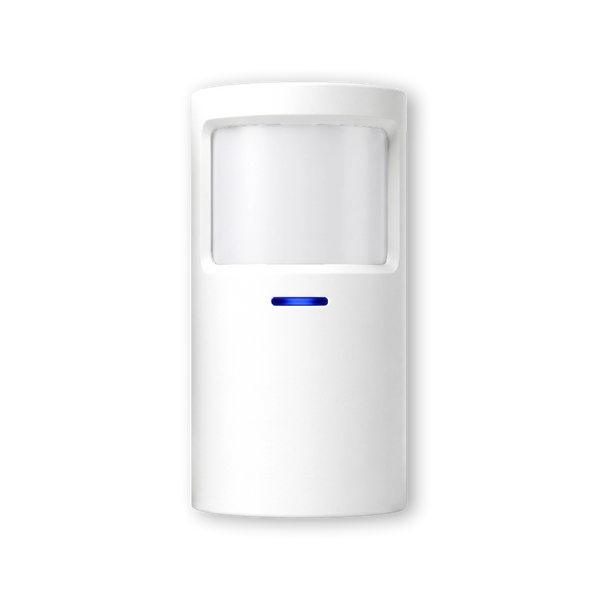
| Motion detectors | May lose sensitivity over time | 7–10 years |
| Door and window contacts | Few moving parts; adhesive strips come loose before the sensor fails | 7–10 years |
| Backup battery in the control panel | Lasts for shorter and shorter periods during a power cut | 3–5 years |
| Batteries in sensors | Run down; the control panel warns you in advance | 2–3 years |
| Smoke detector | The sensor cell ages, even when unused | 10 years |
Indicative ranges, September 2026. Actual lifespan depends on placement, temperature, humidity and how often a sensor is triggered.
What follows from this is better news than it seems: with a modular system you replace the component that has worn out, not the whole system. A motion detector that becomes less sharp after nine years costs you a new detector — not a new system.
The smoke detector: the only hard end date
Smoke detectors are the only component with a real expiry date. The Dutch fire brigade advises replacing them after ten years, even if they still beep when you press the test button: the sensor cell ages, and the test button tests the alarm, not the smoke detection. On most detectors the production date is printed on the back.
Since 1 July 2022, the smoke detector requirement in the Netherlands has applied to all homes, including existing buildings: every floor with a living room, bedroom or kitchen must have a smoke detector. The Dutch government (Rijksoverheid) mentions a minimum lifespan of ten years. Linking the detectors to the alarm system has a practical advantage: you don't just hear the alarm at home, you are also notified when you are away.

Maintenance is the difference between eight and fifteen years
The figures above apply to systems that are looked after now and then. A sensor hanging crooked, an adhesive strip coming loose on a cold outside wall, a battery warning that has been dismissed three times — those are the things that make a system unusable prematurely, not the electronics.
Linked smoke detectorsBatteries: what you touch most often
Batteries are not a weakness of wireless systems, but they are the component you deal with most often. Two things make a difference here.
Choose a longer battery life where it counts. The LockSense Pro does the same as the standard version, but with a battery that lasts two years longer. On an attic window you don't visit every day, that is worth it; at the front door it matters less.
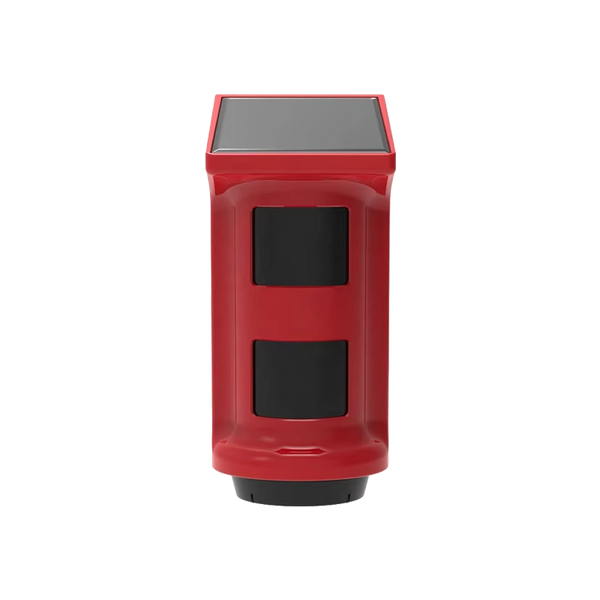
Where possible, choose something without a battery. The ShieldHorn outdoor siren runs on solar power, so there are no batteries to replace at all — which is handy for a siren mounted high up on the façade.
Otherwise, maintenance is simple: sensors with a replaceable battery are unclipped, the battery is swapped and they are clipped back. Check the notifications twice a year and replace anything that is almost empty, even if it still works.
What goes wrong first in practice
Ask installers about the biggest problem with alarm systems and the answer is rarely about technology. It is about false alarms and habituation.
The pattern is always the same. A motion detector is positioned so that the cat walks through its field of view, or points straight at a radiator that heats up. The alarm goes off wrongly a few times. Then that one detector gets bypassed, then the system is switched off "for a moment", and after that it stays off. The device keeps working for years; the security has already stopped.
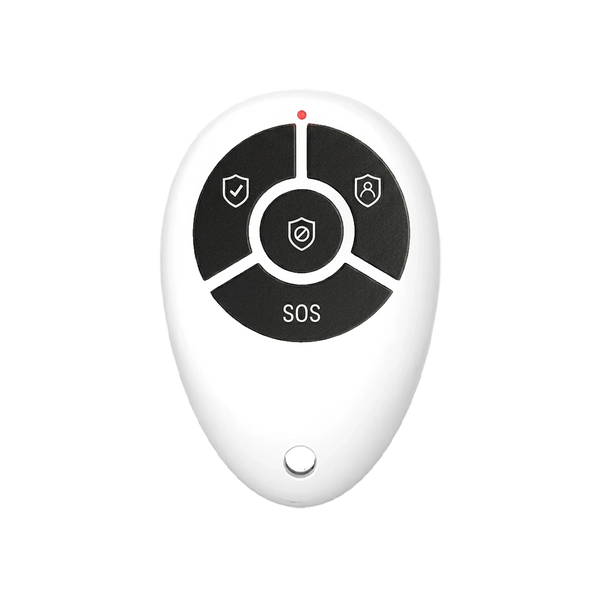
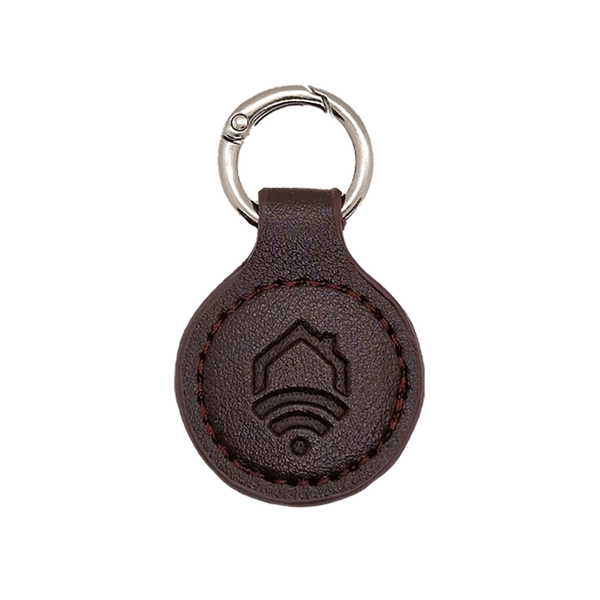
The solution is not technical but practical: position detectors so that pets don't walk through their field of view, don't point them at heat sources or at a window in full sun, and make arming easier than skipping it — a remote control by the door or a tag on your key ring does more for the lifespan of your security than any specification.
When do you replace the whole system?
Not based on age. There are four signs that do matter:
| Sign | Why it matters |
|---|---|
| You can no longer expand it | Matching sensors are no longer available, so every change to your home becomes a problem |
| Notifications no longer arrive | A system that detects but doesn't reach you is only doing half the job |
| Recurring faults | Individual sensors that keep dropping out, even after new batteries |
| You live differently than when you bought it | An extension, a shed, an outbuilding or working from home changes what you want to protect |
As long as none of those four applies, an eight-year-old system is simply an eight-year-old system. In the Netherlands, Dutch consumer law also requires a product to do what you may reasonably expect of it; how long that is depends on the type of product and what you paid for it. This is separate from any manufacturer's warranty.
And if you stop paying?
This is where the two lifespans diverge the most, and it is the question that is asked least often. With subscription models, the app is usually part of the service, not of the product. If the service stops, the controls can stop too — and with equipment on loan, the hardware also goes back to the provider.
Three questions to ask before you sign:
- Do I become the owner of the equipment at the end, or is it on loan?
- Does the app keep working when the subscription ends, and if so: which functions do and which don't?
- Can I take the system with me when I move, or do I have to start over?
This is not an argument against a subscription — with it you buy follow-up, and that simply costs money. But it is a cost you only notice the moment you want to get out, so it belongs in the decision beforehand. If you want to see the full calculation, it is in our article on the costs of an alarm system.
Moving house instead of replacing
A detail that considerably extends the effective lifespan: a wireless system that you own moves with you. Sensors are attached with adhesive strips or a few screws, the control panel comes off the wall, and in your new home you simply put it back up. At most you lose a set of adhesive strips.
For tenants, that is often the deciding factor: you don't have to drill anything, and when you leave you don't leave any holes behind. That is also the difference with a wired system, which stays in the house you leave.
Kits you buy and keep

ShieldLink® Lite — Complete
The most affordable complete kit, with control via the app and RFID key fobs. Modular, so it can be expanded with individual sensors whenever your home changes.
View the kit
ShieldLink® Plus — Complete
English-language colour touchscreen and a built-in backup battery. The external siren works independently of the control panel and stays active during a power cut.
View the kit
SmokeAlert
Smoke detector that you link to the ShieldLink® system, with its own name for each room. The component you replace every ten years anyway.
View the smoke detectorHow long does an alarm system last?
Technically around ten to fifteen years, with the control panel as the longest-lasting component, sensors at seven to ten years, backup batteries at three to five and sensor batteries at two to three; smoke detectors are replaced after ten years regardless. In practice, lifespan is determined less by wear than by two other things: whether the system stays switched on, and whether you are still allowed to use it after cancelling.
Frequently asked questions
What is the lifespan of an alarm system?
An indicative ten to fifteen years for the control panel, seven to ten years for sensors, three to five years for the backup battery and two to three years for sensor batteries. So a system doesn't break down all at once: you replace components as they wear out, and with a modular system that means individual devices rather than a whole new system.
What is one of the biggest problems with alarm systems?
False alarms, and what happens next. A detector pointed at a pet or a heat source gives false alerts; then that detector gets bypassed and the system is switched off "for a moment" — and stays off. The technology still works, but the security no longer does. Careful placement and easy arming solve this.
When should I replace my smoke detector?
After ten years, even if it still beeps when you press the test button. The sensor cell ages even without use, and the test button tests the alarm, not the smoke detection. The production date is usually on the back of the detector.
How often should I replace the batteries?
Expect two to three years per sensor, depending on how often it is triggered and how cold its location is. More important than the interval is that you don't dismiss the warning: the control panel indicates in advance when a battery is almost empty. For places you rarely visit, there are versions with a longer battery life.
Can I take my alarm system with me when I move?
With a wireless system you have bought, yes: sensors are attached with adhesive strips or a few screws and the control panel comes off the wall. With rented equipment it depends on the contract — that is one of the questions you ask beforehand.
What happens to my alarm system if I cancel the subscription?
That differs per provider and is set out in the terms and conditions. Check three things: do you become the owner of the equipment or is it on loan, does the app keep working after cancellation and which functions remain, and can you take the system with you when you move. With a system you buy in one go, this doesn't apply.
Our solution
Alarm system without a subscription
No contract deciding how long you may use your own alarm — you buy it once and expand it whenever it suits you.
View the options
Sources
- Lifespan per component: indicative ranges as used in the Dutch installation industry, September 2026
- Dutch fire brigade — Smoke detectors: check, buy, stick
- Dutch government (Rijksoverheid) — How many smoke detectors should I have in my home?
- Specifications of Neroo products (LockSense Pro, ShieldHorn, SmokeAlert, ShieldLink control panels): our own product pages, checked on 15 September 2026


