















Short answer: Six components: a control panel that decides, sensors that detect (such as door/window contacts, motion detectors and smoke detectors), a siren that raises the alarm, controls to arm and disarm, power with a backup battery, and a connection that brings the alert to you, via the app or a SIM card.
Our solution
Home alarm system
Control panel, sensors and controls in one kit, expandable with sirens and detectors whenever you want. No monthly contract.
View the options
An alarm system looks like a single device, but it is a collaboration between components that each have their own task. One component detects, another decides, yet another makes noise or brings the message to you. If you know what each component does, you can also see more quickly what's in a kit, what's missing and what you can add later. Below we go through them one by one, with the matching Neroo product for each component.
The six components at a glance
| Component | What it does | At Neroo |
|---|---|---|
| Control panel (hub) | Receives the signals and decides whether an alarm follows | ShieldLink® Lite, Plus, Pro or Elite |
| Siren | Makes noise to cut a burglary short | Built into Plus, Pro and Elite; separate: PlugAlert, ShieldHorn, ShieldDefender |
| Detection | Detects an open door, motion, vibration, smoke, gas or water | LockSense, ShieldSense, ShockSense, SmokeSense, GasRadar, AquaSense |
| Controls | Arms and disarms the system | App, control panel, QuickLink, SlimPad, QuickTag |
| Power and backup | Keeps everything working, even during a power cut | Adapter, USB-C cable, backup battery in the control panel |
| Communication | Connects the sensors to the control panel and the control panel to you | Radio signal, Wi-Fi and, with Pro and Elite, a SIM card |

This is what a basic setup looks like: a control panel, a few door/window contacts, a motion detector and a remote control. Anything beyond that, such as an extra siren or a smoke detector, you add based on your home.
1. The control panel: the hub
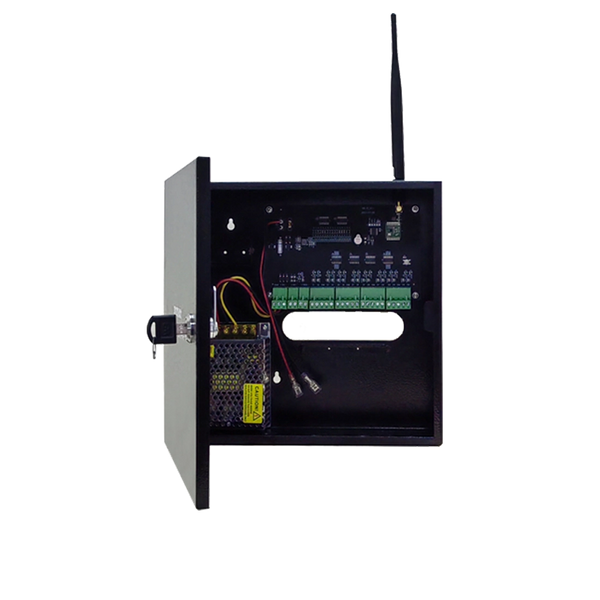
The control panel is the brain of the system. It knows which sensors belong to it, whether the system is armed or disarmed and what should happen when an alert comes in. A sensor only reports something; the control panel decides whether that becomes an alarm. That's why the control panel is usually placed in a central spot in the house, near a power socket.
Neroo has four control panels, which differ mainly in how they are operated and how they reach you:
- ShieldLink® Lite: the entry-level control panel, operated via the app, a remote control and QuickTag key fobs. The key backlight switches on automatically when you approach.
- ShieldLink® Plus: with a Dutch-language colour touchscreen and a built-in 105 dB siren. Control and notifications via the app.
- ShieldLink® Pro: with a 7-inch colour touchscreen, a built-in 120 dB siren and a SIM card slot for alerts by text message and call. It can also be controlled with Google Assistant and Alexa, and existing wired sensors can be connected.
- ShieldLink® Elite: for larger buildings and sites. Together with the Elite sensors, this control panel bridges distances of up to 500 metres, and it also has a SIM card slot.
2. The siren: indoor and outdoor
The siren is the component that cuts a burglary short on the spot. Noise draws attention and costs a burglar time. The ShieldLink® Plus, Pro and Elite control panels have a built-in siren. If you want to hear the alarm clearly in another room or outside too, you add a separate siren:
- PlugAlert: an indoor siren you plug into a power socket, with a bright flashing light. Thanks to the built-in battery, it also works during a power cut, for about 8 to 10 hours.
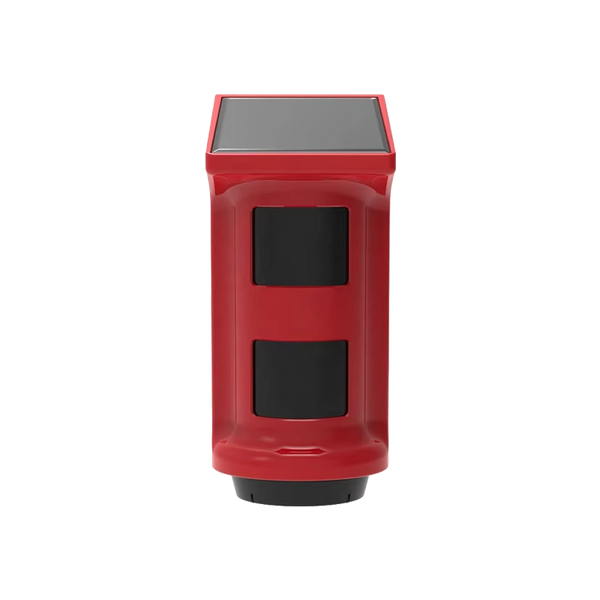
- ShieldHorn: a wireless solar-powered outdoor siren, with a waterproof IP65 housing, strobe light and tamper protection that raises the alarm if someone tries to remove it.
- ShieldDefender: an outdoor siren and motion detector in one, also solar-powered. You can switch off the siren if you only want detection outside.
3. Detection: the sensors
Sensors are the eyes and ears of the system. They run on batteries and only send a signal when something happens. There are two groups: sensors against burglary and sensors against hazards in the home.
Against burglary
- Door/window contact on doors and windows: two parts that stay together as long as the door or window is closed. The LockSense Pro lasts up to 4 years on one battery and keeps working when the parts are up to about 2 cm apart. More in How does a door or window contact work?
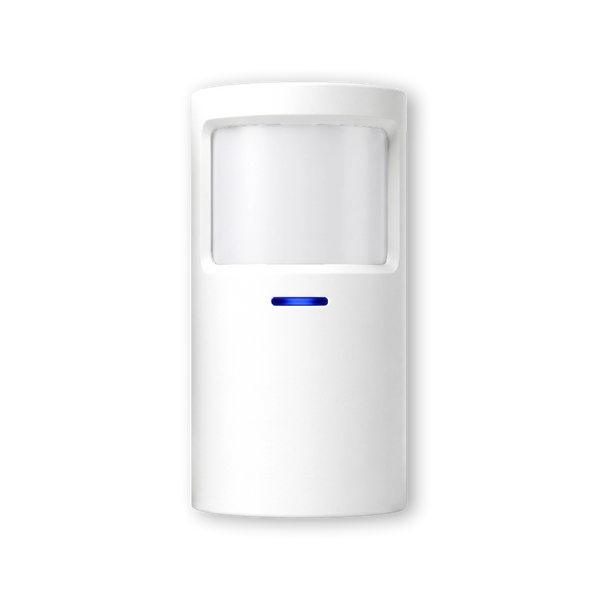
- Motion detector in rooms and on walking routes. The ShieldSense covers 110 degrees wide and up to 8 metres far; the ShieldSense Mini is a compact version with magnetic mounting. Where best to mount it is explained in Where should you mount a motion detector?
- Glass-break or vibration detector on windows and doors. The ShockSense responds to shocks and vibrations, so as soon as someone tries to get in. See What is a glass-break detector and do you need one?
Against hazards in the home
- Smoke detector: when there is smoke, the SmokeSense triggers the entire alarm system, so the sirens go off too and you get a notification on your phone. The battery lasts up to ten years. In the Netherlands, smoke detectors are mandatory anyway: since 1 July 2022, Dutch law requires a smoke detector on every floor with a living room, bedroom or kitchen.
- Gas detector: the GasRadar measures flammable gases such as propane, butane and methane, runs on mains power and sends an alert to the app via the ShieldLink® system.
- Carbon monoxide detector: the CarbonAlert warns when CO levels rise; the Wi-Fi version sends alerts to your smartphone.
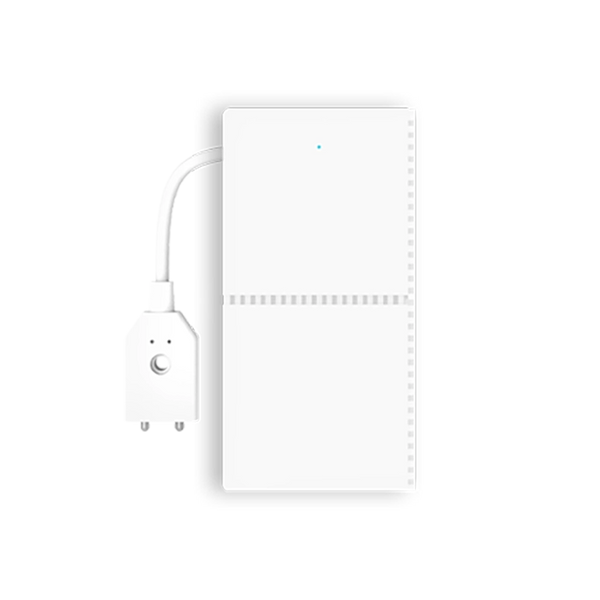
- Water leak detector: the AquaSense responds to moisture or leaks, for example under pipes or in a basement, and then sends an alert to the alarm system.
4. Controls: arming and disarming
You arm and disarm your alarm system more often than you do anything else with it, so that action needs to be easy. Otherwise the system stays off. The options at a glance:
- The app, also on the go.
- The control panel itself, with keys or a touchscreen.
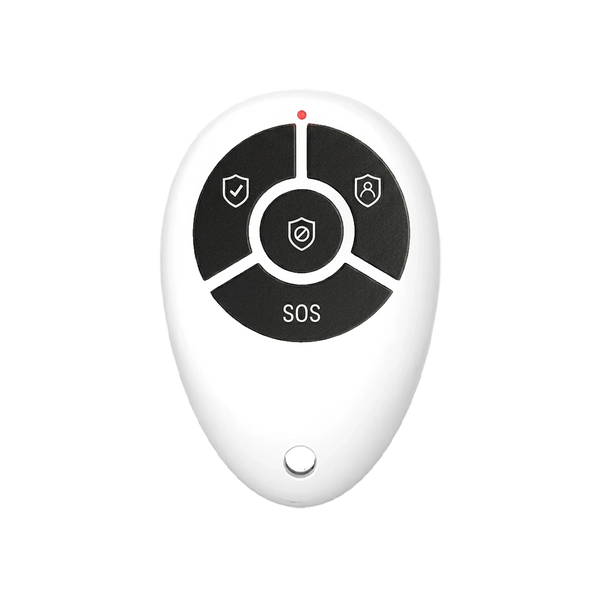
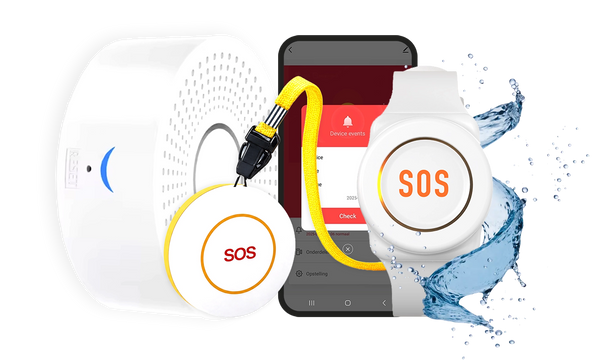
- A remote control on your keyring: the QuickLink, or the QuickLink Pro with a slider that covers the buttons, so you don't accidentally arm or disarm in your pocket.
- An extra keypad, the SlimPad, for a second entrance, another floor or the garage. You operate it with a PIN code or an RFID tag.
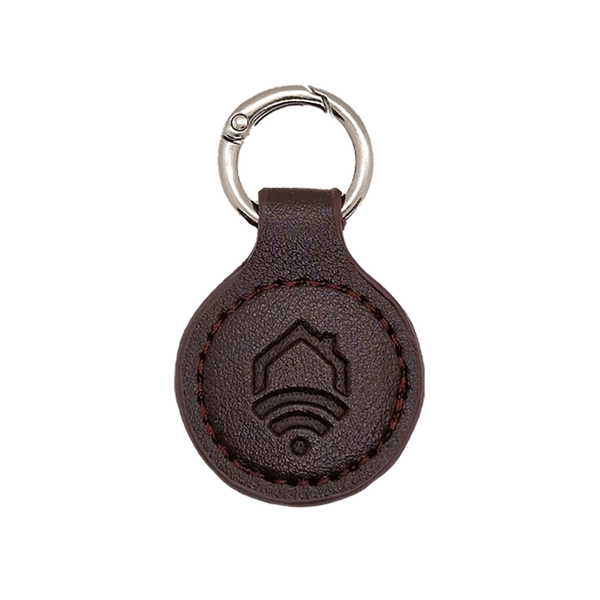
- An RFID key fob, the QuickTag. Note: it only works with the ShieldLink® Lite and the SlimPad, not with the Plus, Pro and Elite.
5. Power and backup
Wireless refers to the connection, not the power. The sensors run on batteries, but the control panel is plugged into a power socket. With the ShieldLink® control panels, that's done with an adapter and a 1-metre USB-C cable; if the socket is further away, there is a separate 3-metre cable.
If the power fails, the backup battery in the control panel takes over, for up to 24 hours. Separate sirens have their own solution: the PlugAlert has a built-in battery and the ShieldHorn and ShieldDefender run on solar power.
6. Communication: from sensor to panel to you
Two connections run through an alarm system. The first goes from the sensors to the control panel, via a radio signal. Neroo's standard sensors use 433 MHz and reach about 150 metres to the control panel; the Elite sensors use LoRa and reach up to 500 metres. These frequencies are licence-exempt, which according to the Dutch Authority for Digital Infrastructure (Rijksinspectie Digitale Infrastructuur, RDI) means you share them with other devices.
The second connection goes from the control panel to you. By default, that is a notification in the app via Wi-Fi. The ShieldLink® Pro and Elite can also use a SIM card to send a text message and call you, even if the Wi-Fi or power has failed. How that chain works step by step is explained in How does a wireless alarm system work?
Extras: camera and video doorbell
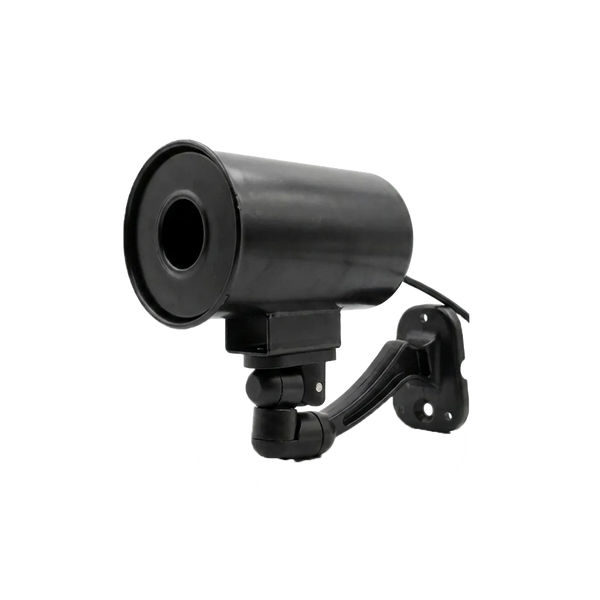
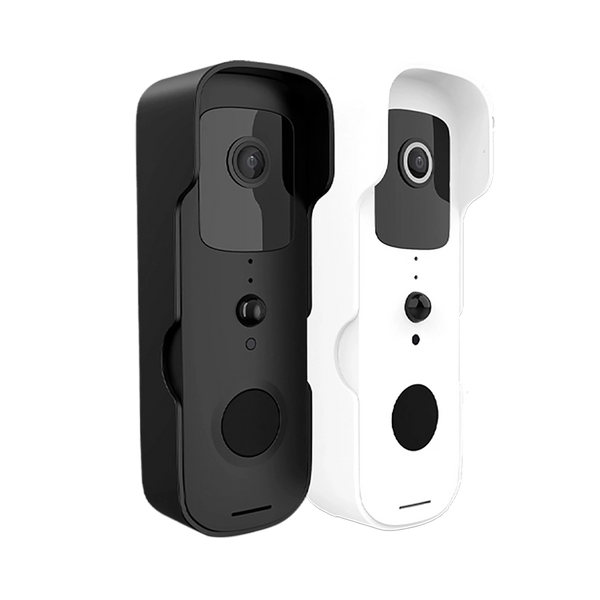
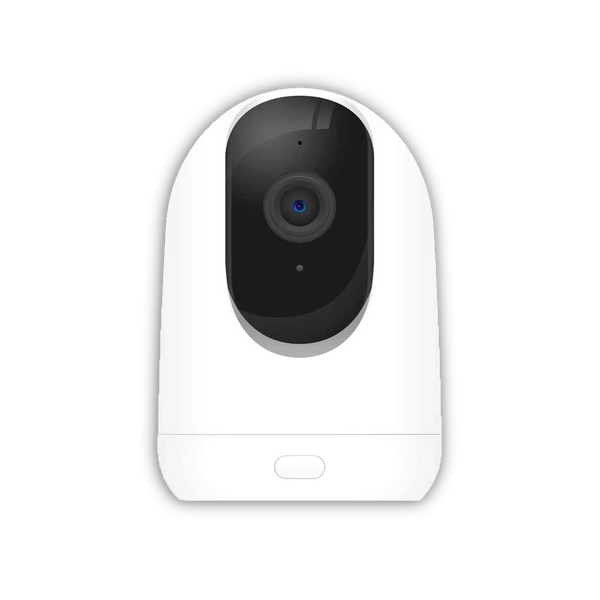
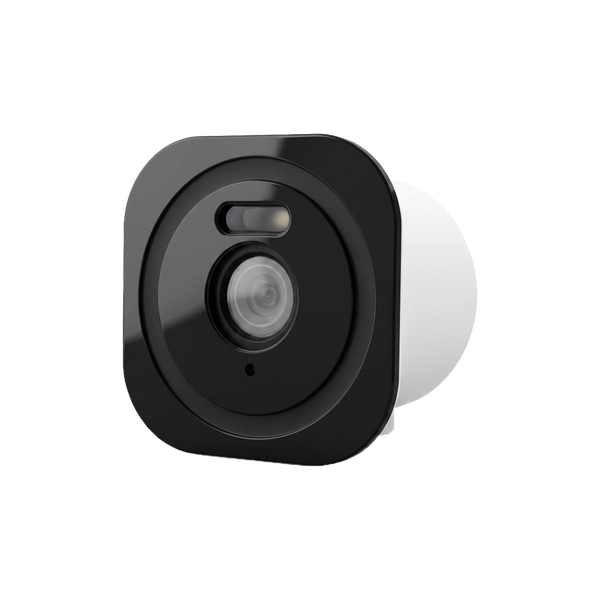
Cameras and a video doorbell aren't part of the core of an alarm system, but they do complement it: you can see what's going on when an alert comes in. The Neroo® Cam works in the same free app as the alarm systems. The BellMate video doorbell works via Wi-Fi, links to the ShieldLink® control panel and runs in the same app; the control panel then also serves as a chime.
How many door/window contacts and motion detectors you need for your home is calculated in How many sensors do you need for your home? And remember: an alarm is the finishing touch. The Dutch police state that homes with the Dutch Police Quality Mark for Secure Housing (Politiekeurmerk Veilig Wonen), which starts with good locks and hardware, are up to 90% less likely to suffer a successful burglary.
So what are the components of an alarm system?
A control panel that decides, sensors that detect, a siren that raises the alarm, controls to arm and disarm the system, power with a backup battery and a connection that brings the alert to you.


Our solution
Home alarm system
Control panel, sensors and controls in one kit, expandable with sirens and detectors whenever you want. No monthly contract.
View the options
Frequently asked questions
What is the most important component of an alarm system?
The control panel. It receives the signals from all sensors and decides whether an alarm follows, depending on whether the system is armed or disarmed. Without a control panel, a sensor is just a transmitter without a receiver.
Does an alarm system need a separate siren?
Not always. The ShieldLink Plus, Pro and Elite control panels have a built-in siren. A separate indoor or outdoor siren makes the alarm easier to hear in other rooms or outside, and a visible outdoor siren also shows that the home is protected.
Do the sensors of a wireless alarm system run on batteries?
Yes. They only transmit when something happens and therefore last a long time: the LockSense Pro up to 4 years and the LockSense Elite up to 10 years. The control panel runs on mains power and has a backup battery for when the power fails.
Can you link smoke detectors to an alarm system?
Yes. You link the SmokeSense and the SmokeAlert Link to a ShieldLink system. When there is smoke, the entire alarm goes off and you get a notification on your phone. In the Netherlands, a smoke detector is mandatory on every floor with a living room, bedroom or kitchen.
Which components do you need at a minimum?
A control panel, door/window contacts on the doors and windows where someone could get in, a motion detector on the walking route and a way to operate the system, such as the app or a remote control. With the ShieldLink Plus, Pro and Elite, the siren is already in the control panel.
Sources and references
- Rijksoverheid (Dutch government), Hoeveel rookmelders moet ik in mijn huis hebben? — accessed September 2026
- Brandweer Nederland (Dutch fire brigade), Nog geen rookmelders? Vanaf 1 juli 2022 wettelijk verplicht — accessed September 2026
- Rijksinspectie Digitale Infrastructuur (Dutch Authority for Digital Infrastructure), Vergunningvrij frequentiegebruik — accessed September 2026
- Politie (Dutch police), Politiekeurmerk Veilig Wonen — accessed September 2026


