















Short answer: The best wireless alarm system is the one that suits your situation. Compare on seven points: range between sensor and control panel, what happens during a power cut, whether you still get alerts without internet, sensor battery life, expandability, subscription or not, and the app. That's also how you choose between ShieldLink® Lite, Plus, Pro and Elite.
Our solution
Wireless alarm without a subscription
ShieldLink® Lite, Plus, Pro and Elite work with no monthly fees. Pro and Elite have a SIM card slot for alerts by text message and call, even if the Wi-Fi or power fails.
View the options
Seven criteria that really matter with wireless
With a wireless alarm system, the differences aren't in the siren or the design, but in how the system handles distance, power and internet. These seven points make the difference in practice.
- Range between sensor and control panel. Each sensor sends its signal wirelessly to the control panel. Walls, floors and distance weaken that signal. For an apartment that matters little, but for a shed at the back of the garden or a warehouse it does.
- Backup during a power cut. A control panel with a built-in backup battery keeps working when the power fails. Also check whether the siren has its own power supply or battery.
- Backup during an internet outage. App notifications run over Wi-Fi. If the internet goes down, or there is no Wi-Fi, you need a SIM card to still get a text message or call. Pay attention to 4G here: in the Netherlands, the Dutch provider KPN is permanently switching off 2G from 1 December 2027.
- Sensor battery life. Wireless sensors run on a battery. The longer it lasts, the less maintenance. The differences can be large, from a few years to ten years.
- Expandability. Can you add extra door/window contacts, motion detectors, smoke detectors or a video doorbell later? Then you don't have to buy everything at once.
- Subscription or not. A system without a subscription sends the alerts to you, with no monthly fees. What a subscription does and doesn't deliver is explained in what is the best home alarm without a subscription.
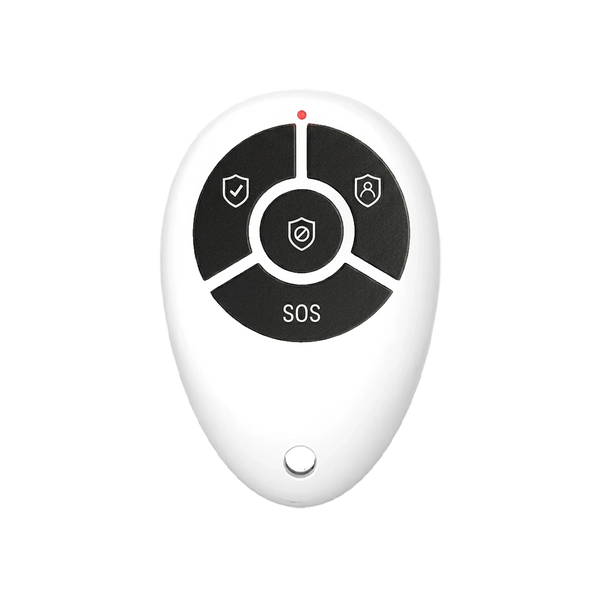
- App and controls. You use the system every day. A clear app and a convenient way to arm and disarm, such as a remote control or a tag, determine whether you actually use it.
How ShieldLink® Lite, Plus, Pro and Elite score
Neroo sells four ShieldLink® control panels. They all work without a subscription and with wireless sensors from the same range. The differences lie in controls, alerts and range. Everything below comes from the product information.
| Criterion | Lite | Plus | Pro | Elite |
|---|---|---|---|---|
| Sensor range | about 150 metres | about 150 metres | about 150 metres | up to 500 metres with LockSense Elite and ShieldSense Elite (LoRa) |
| Power cut | backup battery, up to 24 hours | backup battery, up to 24 hours | backup battery, up to 24 hours | backup battery, up to 24 hours |
| Alerts | app | app | app, and with a SIM card also text message and call | app, and with a SIM card also text message and call |
| Without Wi-Fi or internet | no SIM card slot | no SIM card slot | SIM card slot (4G), control via SMS commands | SIM card slot (4G), control via SMS commands |
| Controls | control panel with keys, app, remote control, QuickTag RFID | colour touchscreen, app, QuickLink remote control | large colour touchscreen, app, QuickLink, Google Assistant and Alexa | colour touchscreen, app, QuickLink |
| Subscription | no | no | no | no |
For all control panels: sensors run on batteries and battery life differs per sensor. According to the product information, the LockSense Pro lasts up to 4 years and the LockSense Elite up to 10 years, with an automatic alert when the battery is low. For those with a smart home: the Pro control panel can be operated via Google Assistant and Alexa, and the system works with Home Assistant.
How to choose between Lite, Plus, Pro and Elite

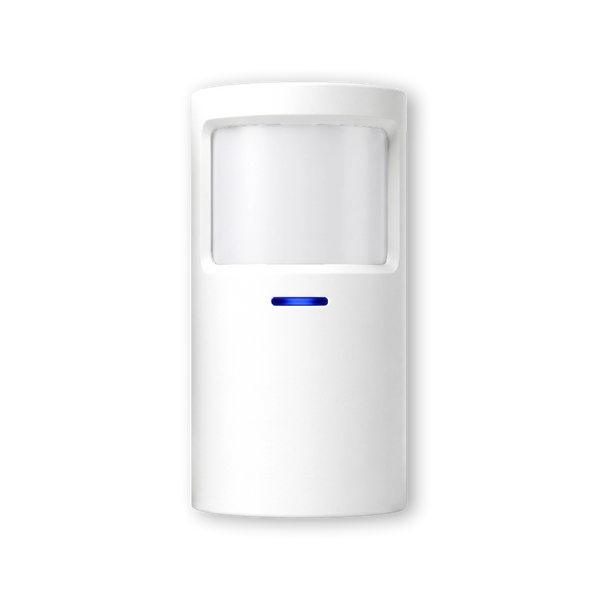
The sensors are comparable across all four control panels: door/window contacts for doors and windows, motion detectors for rooms. Your choice of control panel mainly determines how you receive alerts, how you operate the system and how far your sensors can be from the control panel.
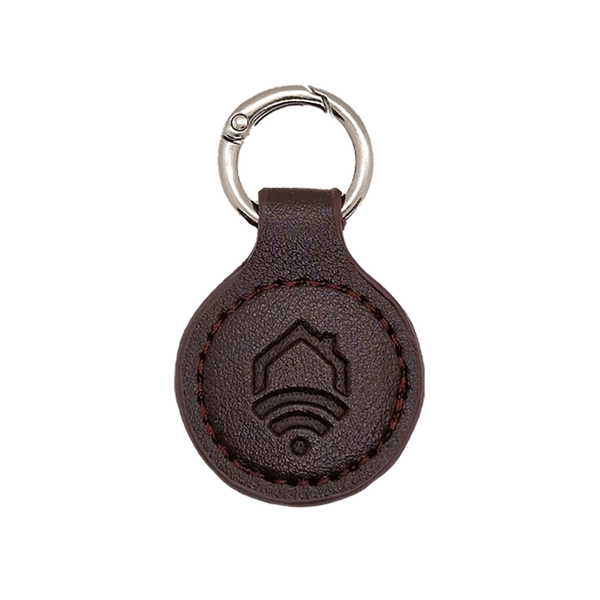
- ShieldLink® Lite suits you if you have stable Wi-Fi and want to keep it simple. Handy for families: with QuickTag RFID key fobs, children or guests can quickly arm and disarm the system. QuickTags only work with the Lite and the SlimPad keypad.
- ShieldLink® Plus is your choice if you prefer a colour touchscreen with Dutch-language controls on the wall. Alerts come via the app, so you need Wi-Fi here too.
- ShieldLink® Pro is the choice if you also want alerts when the internet or power fails. With a SIM card you then receive a text message and a phone call. The control panel can also be operated via Google Assistant and Alexa, and you can link the BellMate video doorbell.
- ShieldLink® Elite is designed for long distances: an outbuilding far from the house, a warehouse or business premises. With LockSense Elite and ShieldSense Elite, the system bridges up to 500 metres. Like the Pro, the Elite has a SIM card slot.
If you're torn between two control panels, look at the furthest spot you want to protect and at whether you also want an alert without internet. Those two points usually decide it. Which kit suits which type of home is explained in what is the best alarm system for your home. How a system with a SIM card works is covered in can an alarm system work without Wi-Fi. And whether wireless is secure enough is discussed in is a wireless alarm system secure.
So what is the best wireless alarm system?
The system that still reliably reaches your furthest sensor, keeps working during power cuts and internet outages if you need that, is economical with batteries and easy to expand; with ShieldLink® that means Lite or Plus with Wi-Fi, Pro if you also want to be warned via SIM, and Elite for long distances.


Our solution
Wireless alarm without a subscription
ShieldLink® Lite, Plus, Pro and Elite work with no monthly fees. Pro and Elite have a SIM card slot for alerts by text message and call, even if the Wi-Fi or power fails.
View the options
Frequently asked questions
What is the main difference between the ShieldLink control panels?
Lite and Plus send alerts via the app and need Wi-Fi. Pro and Elite also have a SIM card slot for alerts by text message and call, even during a Wi-Fi outage or power cut. With Elite sensors, the Elite reaches a range of up to 500 metres.
Does a wireless alarm system work during a power cut?
The ShieldLink control panels have a built-in backup battery and keep working for up to 24 hours during a power cut. For alerts without Wi-Fi, you need a Pro or Elite control panel with a SIM card.
How far can a sensor be from the control panel?
The standard sensors reach about 150 metres to the control panel; walls and floors shorten that in practice. With an Elite control panel and LockSense Elite or ShieldSense Elite, it is up to 500 metres.
Do you need a subscription for a wireless alarm system?
No. The ShieldLink systems work without a subscription. Alerts arrive in the app, and with a Pro or Elite control panel and your own SIM card, also by text message and call.
Can you expand a wireless alarm system later?
Yes. ShieldLink Plus and Pro have a modular design: you add extra sensors, smoke detectors or a video doorbell later whenever you want. You pair an extra sensor with the control panel and stick it in place.
Sources and references
- KPN (Dutch telecom provider), Van 2G naar 4G en 5G: het oude 2G-netwerk stopt vanaf 1 december 2027 — accessed September 2026
- Neroo, Product data for ShieldLink® Lite, Plus, Pro and Elite, LockSense and ShieldSense (online shop) — accessed September 2026


