















Short answer: For a starter kit with a control panel and a handful of sensors, you're usually done within half an hour to an hour; Neroo assumes about 30 minutes for a standard kit. A larger house with many windows and doors takes more like an afternoon, mainly because choosing the right spots takes time. See it as a guide, not a promise.
Our solution
A home alarm system you install yourself
You stick the sensors on with the included adhesive strips and connect the control panel with the included power supply. Rather not pair or mount it yourself? Then choose the Configuration service or the Installation service.
View the options
Where does the time go?
With a wireless alarm system, you don't need to run cables. So the work consists of a few short steps you do one after the other. The times below are a guide for a starter kit in an ordinary home, without rushing and including a quick look at the manual or installation video. If it's your first time, it often takes a bit longer; if you've already chosen your spots, it goes faster.
| Step | What you do | Guide |
|---|---|---|
| 1. Unpack and plan | Lay out the components and decide for each sensor where it goes: which doors, which windows, which room gets a motion detector. | 5 to 15 minutes |
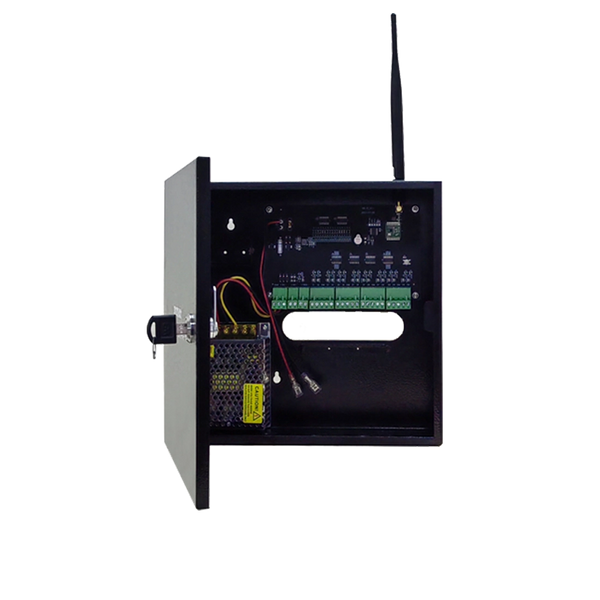
| 2. Place the control panel | Choose a central spot near a power socket and connect the control panel with the included power supply. | about 5 minutes |
| 3. Install the app | Download the app, create an account and add the control panel to your Wi-Fi. | 5 to 10 minutes |
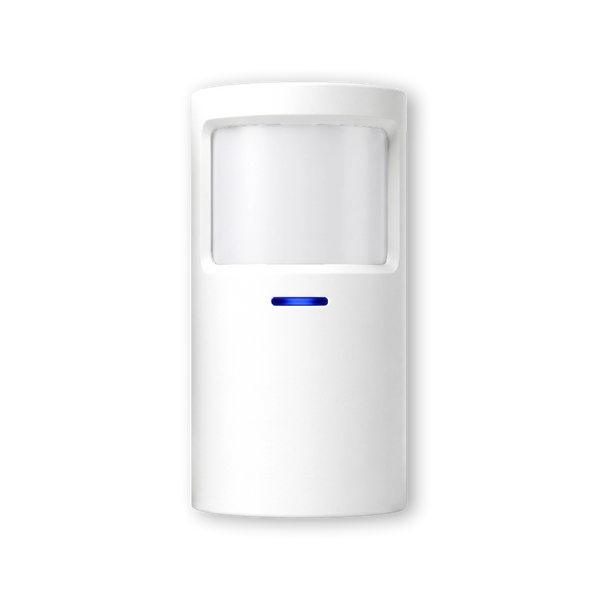
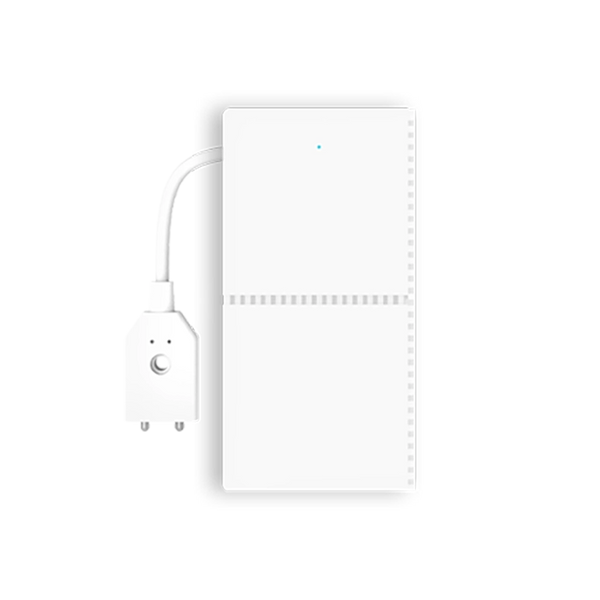
| 4. Pair and stick the sensors | Pair each sensor with the control panel, give it a recognisable name (Front door, Living room) and stick it in place. | a few minutes per sensor |
| 5. Test | Open every door and window, walk through every room with a motion detector and check that the alert comes in. | 5 to 10 minutes |
In total, a starter kit comes to around half an hour to an hour. The sticking itself goes quickly. Most of the time is in step 1: working out where each sensor is most effective. If you're unsure, first read where to mount a motion detector and how to position a door/window contact correctly.
How long per type of home?
The bigger the home, the more windows and doors you protect and the more sensors you pair. The time per sensor stays roughly the same; the number determines the total. A rough guide:
| Situation | Typical setup | Guide |
|---|---|---|
| Apartment | Front door, balcony door and a motion detector in the living room. | about half an hour |
| Terraced or end-of-terrace house | Front and back door, ground-floor windows, one or two motion detectors. | half an hour to an hour |
| Detached house with shed or garage | More windows and doors, several motion detectors, an outbuilding at a distance, possibly an outdoor siren. | a few hours, allow an afternoon |
With an outbuilding at a distance, it sometimes takes a little extra time to check that the signal gets through properly. ShieldLink®'s standard sensors reach about 150 metres to the control panel; less in practice if there are walls and floors in between. For longer distances there are Elite sensors with LoRa, which reach up to 500 metres. So always briefly test a sensor in the furthest spot before you stick it in place permanently.
How to finish faster
- Make a list beforehand. Walk through the house once and write down per room which sensor goes where. Then you don't have to think about it while sticking them on.
- Name each sensor straight away. An alert from Back door says more than an alert from Sensor 3. Do it while pairing, not afterwards.
- Make sure the surface is clean and dry. A dust-free frame makes sure the adhesive strip stays put. Prefer screws? That's possible too.
- Test each sensor. Check right after sticking it on that the alert comes in. Then if there's a problem, you know straight away which sensor it is.

A door/window contact consists of two parts: the sensor on the frame and the magnet on the door or window. You stick them opposite each other with the included adhesive strip. No drilling needed. That's exactly what makes the difference in time compared with a system that needs cables through walls and ceilings.
And a wired system from an installer?
A wired alarm system works with cables between the control panel and each sensor. Those cables have to be concealed in walls, ceilings or skirting boards. That's a job for an installer: first an appointment and often a quote, then laying the cabling, mounting and finishing. How long that takes depends heavily on the home and is hard to capture in one number.
What you can compare is the cost of the work. The Dutch platform Werkspot gives amounts of about 200 to 800 euros for having an alarm system installed as a separate item. The Dutch comparison site Offerteadviseur calculates with an installer hourly rate of about 45 to 80 euros, depending on complexity (both accessed September 2026; these are prices in the Netherlands). With a wireless system you install yourself, those labour costs disappear.
More about weighing the two up is in wireless or wired alarm system. Want to know who is allowed to install an alarm? Then read can an electrician install a burglar alarm.
Rather not do it yourself? Two options
Even though installing it yourself isn't complicated, not everyone feels like it or has the time. That's why Neroo has two services you can add to your order.
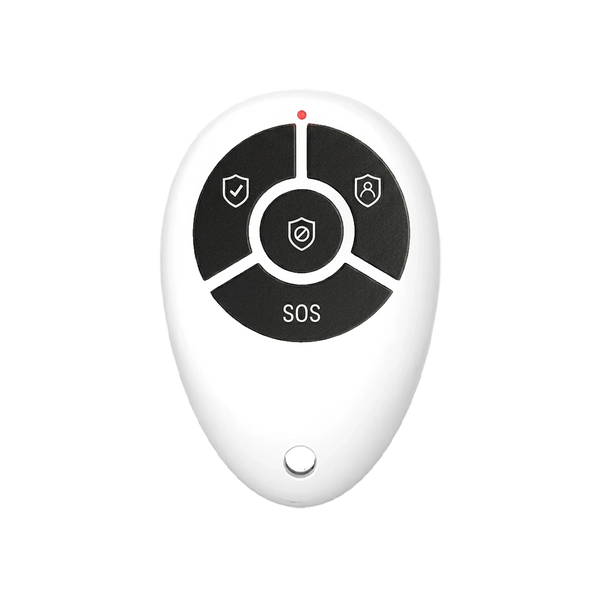
Configuration service. Neroo pairs all suitable sensors and accessories from the same order with the control panel in advance and labels them with the name you provide, for example Front door, Garage or Bedroom. Sirens from the same order that can be paired directly are included too. You then only have to place the components in the right spot and put the system into use according to the manual. Anything that needs an internet connection or your own app account, such as linking the app, you still do yourself. Especially with larger kits, this saves time and puzzling.
Installation service. If you don't want to do anything yourself, a technician comes round. They place and mount the control panel and all sensors, pair and configure the system, neatly finish any cabling, test all zones before handover and explain how to operate it. The price depends on the distance to your address. You can find more information on the have it installed page.
Still not sure whether installing it yourself is for you? Then also read can I install an alarm system myself.
So how long does it take to install a wireless alarm system?
Allow about half an hour to an hour for a starter kit and an afternoon for a large house with an outbuilding, with most of the work in choosing the spots rather than in the sticking itself.


Our solution
A home alarm system you install yourself
You stick the sensors on with the included adhesive strips and connect the control panel with the included power supply. Rather not pair or mount it yourself? Then choose the Configuration service or the Installation service.
View the options
Frequently asked questions
Do you need tools to install a wireless alarm system?
No, not for the sensors. You stick them onto the frame or wall with the included adhesive strips. If you prefer to use screws, that's possible too. You connect the control panel with the included power supply.
Can you install a wireless alarm system in one day?
Yes. A starter kit is usually in place within half an hour to an hour. Even a larger house with more sensors and an outbuilding can usually be done in an afternoon. Exactly how long it takes depends mainly on the number of sensors.
What does Neroo's Configuration service do?
Neroo pairs all suitable sensors and accessories from your order with the control panel in advance and labels them with the name you provide. You then only need to place them in the right spot. Linking the app to your own account is something you do yourself.
When should you choose the Installation service?
If you don't want to do anything yourself or have little time. A technician places and pairs the control panel and all sensors, tests all zones and explains how to operate the system. The price depends on the distance to your address.
Can you add more sensors later?
Yes. You can add extra sensors or smoke detectors later. You pair an extra sensor with the control panel and stick it in place; that's a job of a few minutes.
Sources and references
- Werkspot (Dutch platform), Kosten voor een alarm systeem laten installeren — accessed September 2026
- Offerteadviseur (Dutch comparison site), Kosten alarmsysteem 2026: dit betaalt u echt (incl. installatie) — accessed September 2026
- Neroo, Install it yourself and Have it installed (service pages) — accessed September 2026
- Neroo, Product data for ShieldLink®, LockSense, Configuration service and Installation service (online shop) — accessed September 2026


