









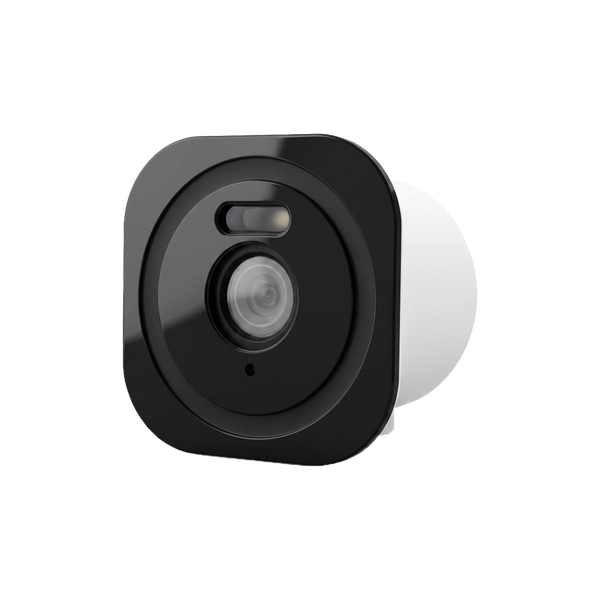

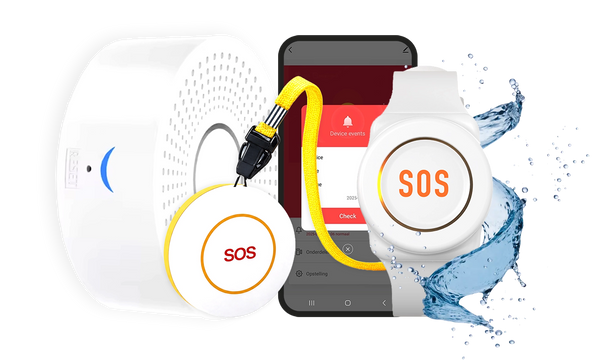




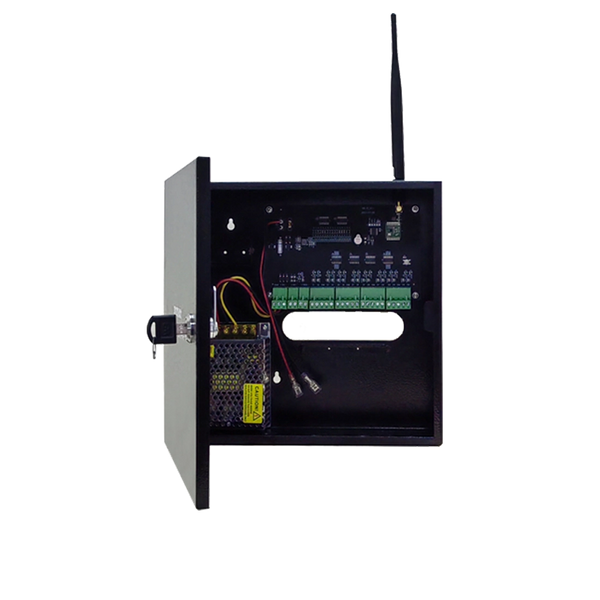

Short answer: Yes, in the Netherlands you may put a security camera on your own house. The most important condition: you may only film your own property. The neighbours' house or garden must not be in view, and in principle neither may the public road. If a bit of the surroundings unavoidably ends up in view, extra Dutch rules apply on informing people, storing footage and securing it.
Our solution
Video doorbell without a subscription
See who is at the door, with storage on a memory card instead of in the cloud — and with no monthly fees.
View the video doorbells
Key takeaways
- A camera on your own house is allowed: in the Netherlands you need no permit or permission from the municipality.
- Only your own property: according to the Dutch Data Protection Authority (Autoriteit Persoonsgegevens), you may not film the neighbours' house or garden, and in principle not the public road either.
- Setting it up correctly is your responsibility: you cannot shift that onto an installer.
- Make the camera visible: filming secretly is a criminal offence in the Netherlands; a visible camera or a sign is part of the deal.
- Don't store footage too long: footage may be kept for a maximum of four weeks, and not simply posted online.
- Secure the footage: a strong, unique password is the difference between your footage and someone else's footage.
- Since 1 August 2025 legal cybersecurity requirements have applied to wireless devices, including smart doorbells.
A camera by the front door or on the side wall is quickly put up. The question that follows is almost always the same: is this actually allowed? The answer is more reassuring than many people think, but there are a few hard limits. In this article we set out what you may and may not film under Dutch rules, how to set up the camera properly, and what to look out for when you buy one.
Can you put a camera on your house?
Yes. In the Netherlands, as a private individual you may put a security camera on or near your own home to protect it. You don't need a permit for it and you don't have to report it to the municipality or the police.
Where things go wrong is almost never the camera itself. It goes wrong with what comes into view. From that moment on you are processing other people's personal data, and then the privacy rules apply.
What may you film, and what not?
Only your own property
The Dutch Data Protection Authority (Autoriteit Persoonsgegevens) is brief about this: you are only allowed to film your own property. So you may not film other people's property, such as your neighbours' house or garden.
That sounds strict, but in practice it is perfectly doable. Your front door, your driveway, your back garden, your shed: that is all your property.
The public road and the neighbours' property
In principle you may not film the public road either — pavements, parking spaces, the street. Exceptions exist, but only in exceptional situations where there are serious safety problems and no other solution. That is a high threshold, and not something you decide for yourself because it happens to be more convenient.

If the surroundings end up in view anyway
Sometimes it is impossible to keep a strip of pavement out of view. The Dutch Data Protection Authority then lists a number of obligations that come with it:
- set up the camera as well as possible;
- inform people that there is a camera;
- store the footage briefly, or not at all;
- do not share the footage;
- make the faces of passers-by unrecognisable;
- secure the camera footage with strong passwords;
- respect the privacy rights of the people you film.
And explicitly: setting up your camera correctly is your responsibility. You cannot simply rely on an installation company.
Making it visible, storing and sharing
Three rules you run into most quickly in practice:
Make it clear that there is a camera. You can do that with the camera itself, or with a sticker or sign. Deliberately filming other people secretly is prohibited and a criminal offence in the Netherlands. A visible camera is also a deterrent, so this works both ways.
Keep footage for a maximum of four weeks. Has something happened that you are reporting to the police? Then you may of course keep that specific footage longer until the case has been dealt with.
Don't just put footage online. Security camera footage may not be posted online without the consent of the people in it. Not in a neighbourhood app either, however tempting it may be.
How do you aim the camera properly?
Most privacy problems can be solved with five minutes' work on a stepladder. A few practical tips:
- Mount the camera higher and tilt it downwards. The steeper the angle, the less of the surroundings you capture.
- Aim along your wall instead of straight out from it. A camera that follows your own wall and driveway automatically sees less of the street.
- Check the image on your phone while you adjust it, not afterwards. You will immediately see what comes in at the edges.
- Use privacy masks if your camera has them. They permanently block part of the image.
- Also check the night image. Infrared lighting can make the image reach further than you see during the day.

For garden, driveway and shed

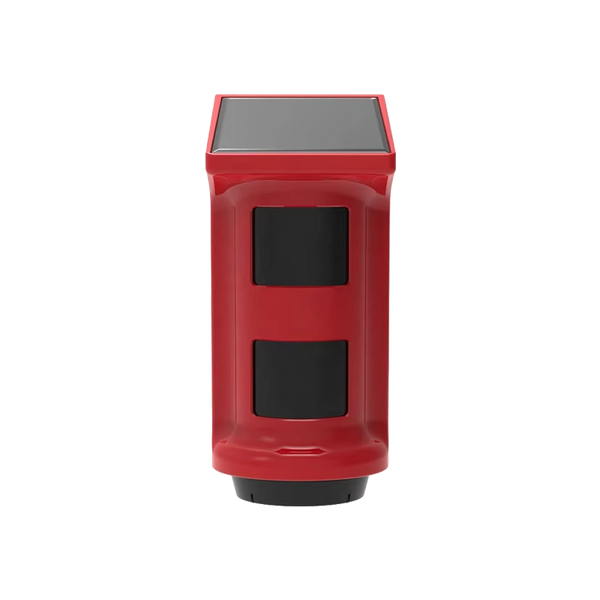
Wally — solar light with camera
When motion is detected, the light comes on and the 2K camera starts recording to the memory card. That also works without an internet connection; if there is Wi-Fi, you can watch live via the app. The built-in solar panel recharges the battery, so no cable needs to run to the shed.
View WallyWho can watch along with your camera?
This is the concern that comes up most often, and not without reason. A camera you can view from your phone is by definition also reachable from outside. In practice it is rarely about ingenious hacks and almost always about three things: a default password that was never changed, a password you also use elsewhere, or software that has not been updated for years.
What you can do about it yourself is not complicated:
- change the default password immediately during installation;
- use a unique password, not the same as for your e-mail;
- turn on two-step verification if the app offers it;
- install updates as soon as they are available.
Since 1 August 2025 the law has been helping too. From that date, legally mandatory cybersecurity requirements apply to wireless equipment — the Dutch Authority for Digital Infrastructure (Rijksinspectie Digitale Infrastructuur) explicitly mentions smart doorbells. Devices that do not comply may no longer be traded within the European Union. If you buy new, that is a reason to stick to a seller within the EU rather than a marketplace from outside the EU.
A second point that makes a difference: where the footage is stored. If a camera stores locally on a memory card, your recordings are at home and not on someone else's server. That is also the difference between having a monthly cloud subscription or not.
If the neighbours' camera points at your property
The same rules apply the other way round: your neighbours may not film your house and garden. If you think they do, there is a set route in the Netherlands, and it does not start in court:
- Start with a conversation. Often the camera is simply set up incorrectly and nobody is aware of anything.
- If you can't resolve it, you can call in neighbourhood mediation (buurtbemiddeling).
- If that doesn't work, put your objection in writing.
- After that you can contact the police, file a report with the privacy regulator, and as a last step go to court.
If it is not about the image but about bright light shining into your home, for example from a floodlight with a camera, that is not a privacy matter but a matter of Dutch neighbour law. There too: talk first, escalate only afterwards.
What to look for when buying
Go through these points before you order:
- Viewing angle. A wide angle is nice at the front door, but also picks up the street more easily. Check whether the camera has an adjustable image or privacy masks.
- Where does the footage go? Local storage on a memory card, or only in the cloud? That determines whether you keep paying every month.
- Night vision. Most burglaries do not happen in daylight. Check whether it has infrared or a light.
- Power supply. Battery, mains power or solar? On a shed or motorhome a cable is often the real problem.
- Updates and origin. Buy from a seller within the EU, so the equipment falls under the European requirements.
- Compatibility. Does the camera work with your alarm system and is everything in the same app?
- Monthly costs. Work out what a subscription costs you over five years. That is often more than the camera itself.
Which cameras does Neroo offer?
Three options, each for a different spot around the house:
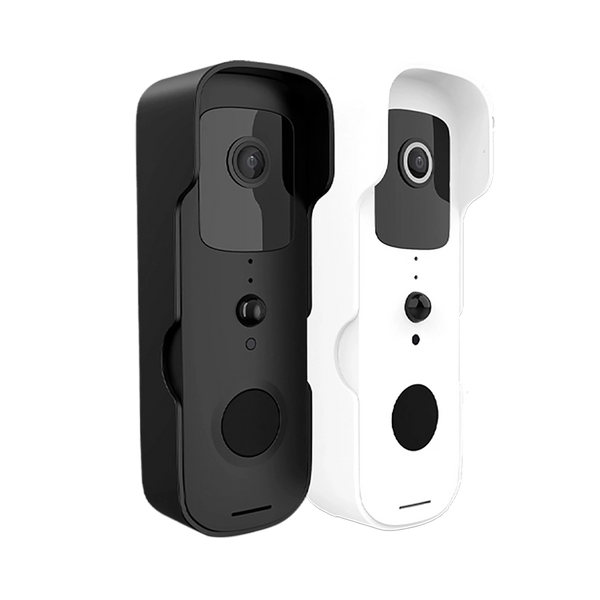
- The BellMate video doorbell gives 1080P images with night vision and a 155° viewing angle. With two-way audio you can talk to visitors, and when motion is detected or someone presses the bell you get an alert straight away. It works with your ShieldLink® system: you link it to the alarm control panel and operate it in the same app. The ShieldLink® control panel also acts as the chime for the BellMate.
- The BellMate Ultra is the same doorbell with dual-band Wi-Fi (2.4GHz and 5GHz) for a more stable connection, and supports microSD storage up to 128GB.
- The Wally combines an outdoor light, motion detection and a 2K camera in one housing, with an integrated solar panel. Handy for places without power and without Wi-Fi.
All three work without a monthly subscription: you pay once for the equipment, and the footage is stored on a memory card.
See who is at the door

BellMate
1080P with night vision, 155° viewing angle and two-way audio. Links to your ShieldLink® system in the same app.
View product
BellMate Ultra
Dual-band Wi-Fi for a more stable connection, plus microSD storage up to 128GB in the doorbell itself.
View product
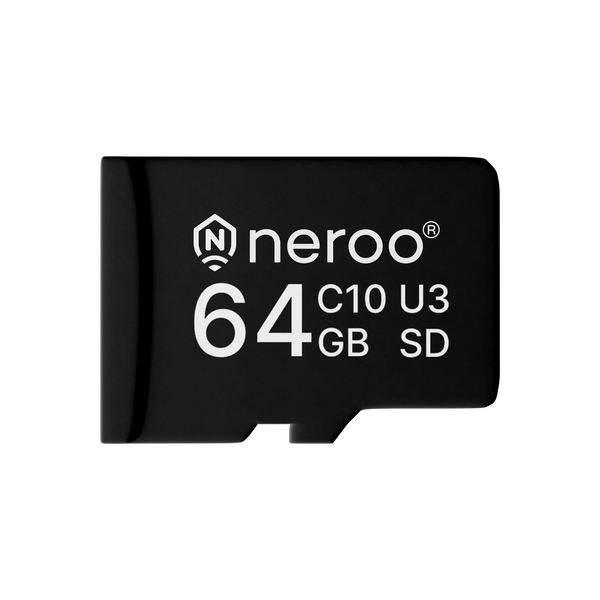
64GB memory card
For local storage of your footage. Developed for us and matched to our devices.
View productOur solution
Video doorbell without a subscription
See who is at the door, with storage on a memory card instead of in the cloud — and with no monthly fees.
View the video doorbells
Can I install a camera on my house?
Yes — under Dutch rules, as long as the camera only films your own property, is mounted visibly and the footage is kept for no longer than four weeks.
Frequently asked questions
Where are cameras not allowed?
A camera may not be mounted in such a way that it films other people's property, such as your neighbours' house or garden, and in principle not the public road either. Indoors the same principle applies to places where people can expect privacy. Hiding a camera to film others secretly is prohibited and a criminal offence in the Netherlands.
May my neighbours' camera dazzle me?
A camera itself does not give off bright light; the infrared for night vision is invisible to the eye. If it is a floodlight with a camera shining into your home, that is not a privacy matter but Dutch neighbour law: persistent light nuisance can be unlawful. Start with a conversation and then call in neighbourhood mediation.
Can people watch along with your camera?
They can, but almost always because of a default password that was never changed, a reused password or overdue updates. Change the password during installation, use a unique password, turn on two-step verification and install updates. Cameras that record locally on a memory card also don't put your footage on someone else's server.
What is the difference between an IP camera and a Wi-Fi camera?
An IP camera is a camera that sends images over a network instead of via a video cable. A Wi-Fi camera is a variant of that: it makes that network connection wirelessly instead of with a network cable. So every Wi-Fi camera is an IP camera, but not every IP camera is wireless. Wired is more stable, wireless is easier to mount.
What should you look for when buying a security camera?
The viewing angle and whether you can limit it, where the footage is stored (locally or in the cloud, and whether a subscription comes with it), night vision, the power supply, and the origin of the device. Since 1 August 2025 European cybersecurity requirements have applied to wireless devices; so buy from a seller within the EU.


