















Short answer: Yes. For a home, a wireless alarm system is more than reliable enough — the weak spot isn't the radio link but the maintenance: a sensor that's hanging crooked, a battery warning you ignore, or a system nobody switches on any more. The four things that can really go wrong are range, tampering, a power or Wi-Fi outage and a flat battery. All four can be solved with good placement and a few minutes of checks per year.
Key takeaways
- Four real risks: range, tampering, a power or Wi-Fi outage and a flat battery — none of them exotic, all four can be dealt with.
- Test range before you stick, not afterwards: hold the sensor in place and check whether the control panel sees it.
- Place sensors high and out of easy reach, so nobody can quickly fiddle with them.
- A built-in backup battery keeps the control panel running if the power goes out; without internet the siren still sounds, only the app notification has to wait.
- If you also want to be notified without internet, you need an alert route that doesn't go through Wi-Fi — with the Pro and Elite that's an optional SIM card with SMS and phone call.
- The biggest risk is human: a system that isn't switched on protects nothing.
Wireless has become the standard for homes: no cables through walls, you can put it up yourself and expand later. That's exactly why the question comes up so often: if there's no wire, what is the security actually hanging on? Below are the four things that can actually go wrong with a wireless system, how likely each one is, and what you can do about it yourself.
Why the question is justified

No cable doesn't mean no connection
In a wireless system, the sensors talk via radio signal to a single control panel they're paired with. That control panel is the heart: it keeps track of which sensors there are, whether they report in, and it raises the alarm. The question "is that secure?" is therefore really about that connection — and about what happens if something gets in the way.
Home alarm systemRisk 1: the signal doesn't get through
This is the risk that comes up most often in practice, and also the most boring. Thick walls, a concrete floor, a meter cupboard or a steel frame dampen radio signals. The sensor in the shed at the bottom of the garden is the classic example: when you pair it on the kitchen table it works, but in its final position it just doesn't.
The solution isn't technology but order. Pair the sensor, hold it where it needs to go, and test there whether the control panel sees it. Only once that works do you stick or screw it in place. If you need to bridge large distances — a warehouse, a driveway, an outbuilding — choose sensors designed for that: the LockSense Elite and ShieldSense Elite, together with the Elite control panel, bridge distances of up to around 500 metres.
Risk 2: someone gets to the sensor
A sensor at eye level next to the front door is within reach. That's less dramatic than it sounds — a burglar who's already inside has usually set off the alarm long ago — but it does make a difference where you put things.
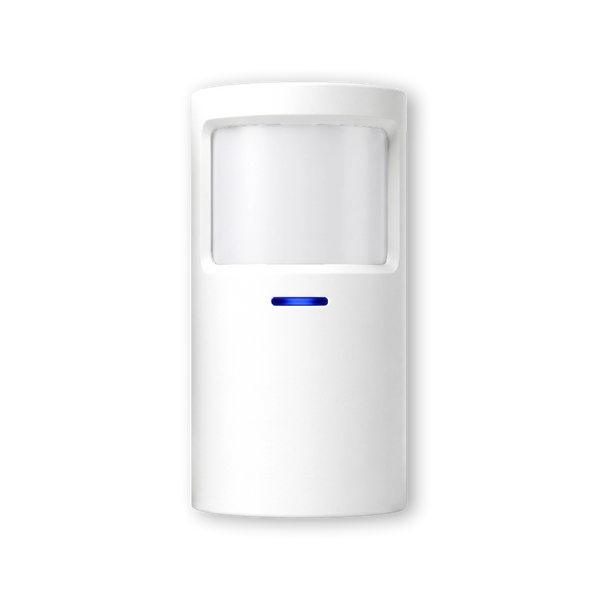
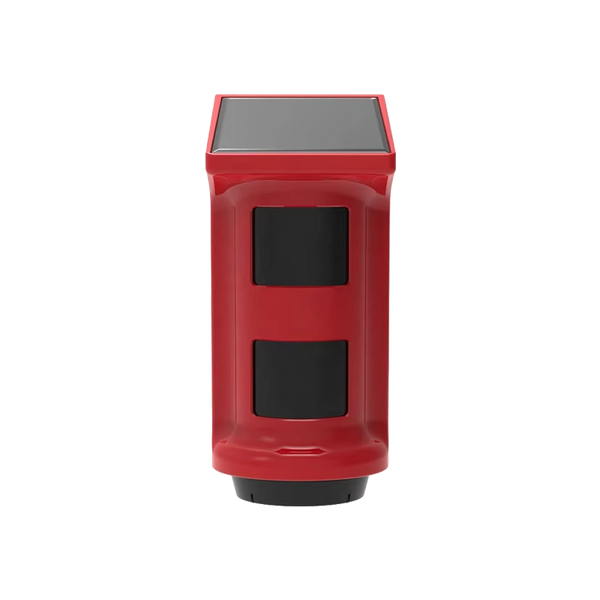
Rule of thumb: motion detectors high up in a corner, contacts on the inside of the window or door, and the control panel not in the hall where it's the first thing in sight. If you also want to be heard outside, add an external siren high up on the façade. With the Plus and Pro kits, that external siren works independently of the control panel and has its own backup, so it keeps wailing even if the control panel fails.
Risk 3: the power or Wi-Fi goes down
There are two different things under one concern here, and they have different answers.
Power cut. Every ShieldLink control panel has a built-in backup battery that takes over if the power goes out; with the Pro that's up to around 24 hours. Your system simply keeps monitoring during that period.
Internet outage. The sensors talk to the control panel, not to the internet. If your Wi-Fi drops out, detection keeps working and the siren still goes off — what you lose is the notification on your phone. If that matters to you, you need a second alert route that doesn't go through your router. With the ShieldLink Pro and Elite that's possible with an optional SIM card: it sends an SMS and calls you, even if the Wi-Fi or power is down.
Our solution
Alarm system without a subscription
A system that keeps working during a power cut, that you put up yourself and that stays yours — without a monthly fee that keeps running.
View the options
Risk 4: a battery is flat
Wireless sensors run on batteries. That's not a weakness as long as you know when one is running low — and you do, because the control panel tells you. The risk lies in the notification you dismiss and then forget.
So make it a fixed moment. Testing the system and going through the notifications in the app twice a year is enough, and it takes less time than it sounds. The checklist further down in this article is short enough for that.
And what about hacking?
The honest version: in theory, anything that transmits a signal can be attacked, and anyone reading about it can easily end up in the wrong film. In practice, an average home isn't the target of someone with equipment and time. The Dutch police describe burglary as opportunistic crime: burglars choose the property that looks easiest, and leave if it takes too long or makes too much noise.
What you do control is the rest of your digital housekeeping: a strong password on your Wi-Fi and on the app account, and installing updates when they're available. That's the same hygiene as for the rest of your devices, and it does more than any discussion about radio protocols.
When wired really is better
To be fair: there are situations in which wired is still the better choice. Think of high-risk environments with an insurer that sets requirements — a jeweller, premises holding cash, a location where certification is mandatory. Different standards apply there and a certified installer is part of the deal.
For a house, an apartment or a rented home, the trade-off is different: flexibility weighs more heavily, nothing needs to go into the walls, and the system simply moves with you. If you want to see that comparison in more detail, it's in our article on choosing between wireless and wired.
Checklist: twice a year
| What | How |
|---|---|
| Sensors report in | Open each window and door once with the system in test mode and check whether the control panel responds |
| Battery status | Go through the notifications in the app and replace anything that's nearly flat, even if it still works |
| Siren | Let it sound briefly once, so you know it works and how loud it is |
| Mounting | Check that adhesive strips are still holding, especially in cold or damp places |
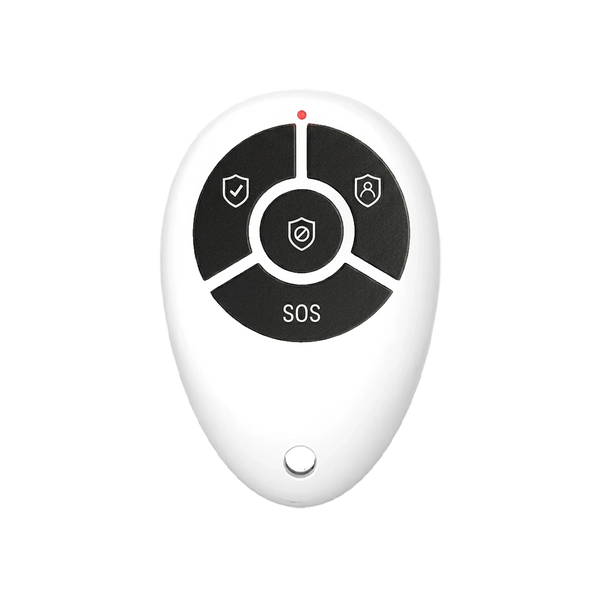
| Habit | Is the system really on when you leave? If not, make arming easier — a remote or a tag by the door |
Put it in your calendar at two fixed moments, for example when the clocks change for summer and winter time.
Kits with built-in backup

ShieldLink® Plus — Complete
Dutch-language colour touchscreen, built-in backup battery and an external siren that keeps working independently of the control panel during a power cut.
View the kit
ShieldLink® Pro — Complete
Backup battery for up to 24 hours and, with the optional SIM card, an alert route that bypasses your Wi-Fi: SMS and a phone call.
View the kit
ShieldLink® Elite — Complete
For long distances: with LockSense Elite and ShieldSense Elite you can bridge up to around 500 metres, handy for a warehouse or outbuilding.
View the kitIs a wireless alarm system secure?
For a home, yes. The risks that really matter are range, tampering, a power or internet outage and a flat battery — and you solve those by testing before mounting, placing sensors high, choosing a control panel with a backup battery, and two maintenance moments a year. The biggest risk remains human: a system that isn't switched on protects nothing.
Frequently asked questions
Does a wireless alarm system work if the Wi-Fi goes down?
Yes. The sensors communicate with the control panel, not with the internet, so detection and the siren keep working. What you lose is the notification on your phone. If you also want to be notified without internet, you need an alert route that bypasses your Wi-Fi; with the ShieldLink Pro and Elite that's possible with an optional SIM card that sends an SMS and calls you.
Does the system keep working during a power cut?
Every ShieldLink control panel has a built-in backup battery that temporarily takes over during a power cut; with the Pro that's up to around 24 hours. With the Plus and Pro kits, the external siren also works independently of the control panel and has its own backup.
Can a wireless alarm system be hacked?
In theory, anything that transmits a signal can be attacked, but an average home isn't the target of someone with equipment and time. Burglary is largely opportunistic crime. What you can do yourself is practical: a strong password on your Wi-Fi and on your app account, and installing updates when they're available.
How often do I need to replace the batteries?
That varies by sensor and by use. More important than the interval is that you don't dismiss the notification: the control panel indicates when a battery is nearly flat. Go through the notifications twice a year and replace anything that's nearly empty, even if it still works.
Does wireless also work in a large house or with an outbuilding?
Yes, provided you pay attention to range. Test each sensor in its final position before you fix it in place. For long distances — a warehouse, a driveway, a shed at the bottom of the garden — there are sensors made for the job: the LockSense Elite and ShieldSense Elite, together with the Elite control panel, bridge distances of up to around 500 metres.
Is wired more secure than wireless?
For high-risk environments with certification requirements, wired remains the standard. For a house or apartment, that difference doesn't outweigh the drawbacks: cutting into walls, higher installation costs and a system that doesn't move with you.
Sources
- Specifications of ShieldLink control panels and Elite sensors: our own product pages, checked on 11 September 2026
- Politie (Dutch police) — Tips to prevent burglary (in Dutch)
- Politie (Dutch police) — Police Secure Housing quality mark (in Dutch)


