















Short answer: The main accessories for a wireless alarm system are extra sirens (indoor and outdoor), extra controls such as remote controls, a keypad and RFID key fobs, and power accessories such as a longer USB-C cable or a 12V converter. You can also have your kit configured in advance or installed by an engineer.
Our solution
Alarm system for your home
Start with a kit and expand with sirens, controls and power accessories whenever it suits you. No monthly contract.
View the options
An alarm kit contains the core: a control panel, a few sensors and a way to operate the system. That gives you protection, but not every home or situation is the same. Accessories are the add-ons that tailor a kit to your home and your daily routine. In this article we list them: extra sirens, extra controls, power and the services that make installation easier. Which sensors are available is covered in What components make up an alarm system?
All accessories at a glance
| Accessory | Type | Useful if |
|---|---|---|
| PlugAlert | Indoor siren | You want to hear the alarm in another room or on another floor |
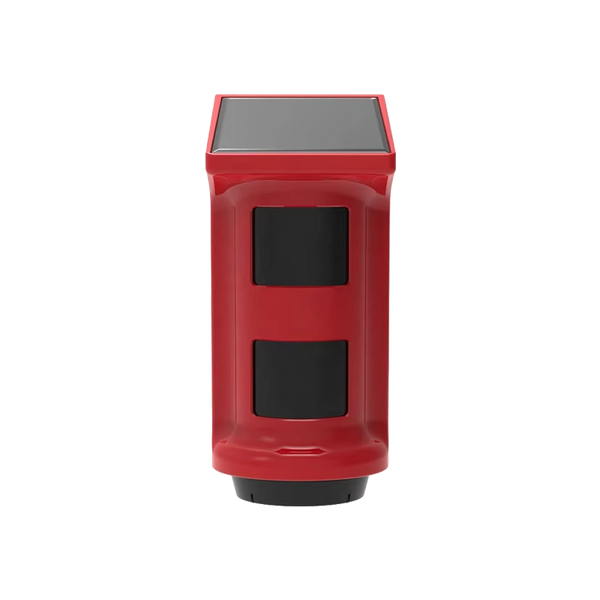
| ShieldHorn | Outdoor siren | Neighbours need to hear the alarm and you want to show the house is protected |
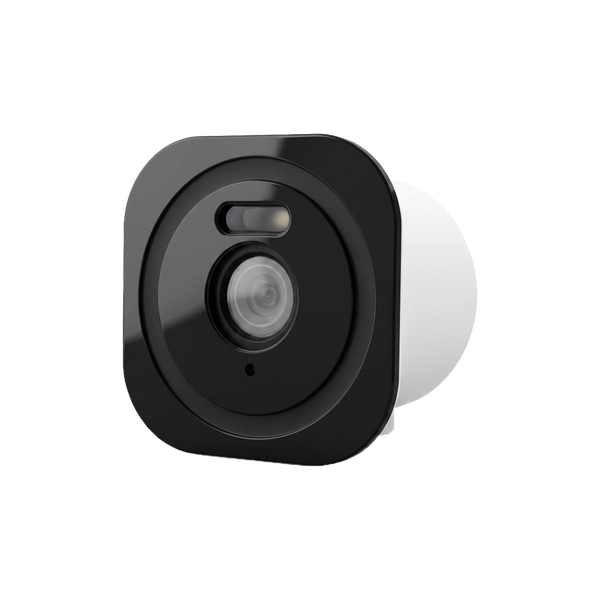
| ShieldDefender | Outdoor siren with motion detector | You want to detect outdoors and deter with sound and light |
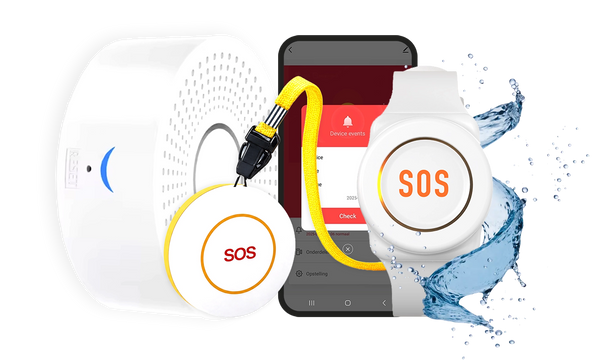
| QuickLink and QuickLink Pro | Remote control | Every family member wants to arm and disarm quickly |
| SlimPad | Keypad | You want a second control point at another entrance, on another floor or in the garage |
| QuickTag | RFID key fob | You have a ShieldLink® Lite or SlimPad and want to arm and disarm without a code |
| USB-C cable 3 metres | Power | The socket is more than 1 metre from where the control panel goes |
| Converter set 12V-5V | Power | You want to connect a Neroo® Cam or other USB accessory to the on-board power of a motorhome, caravan or car |
| Configuration service | Service | You want to receive everything paired and labelled in advance |
| Installation service | Service | You want an engineer to install the system |
Extra sirens: indoor and outdoor
The control panels of the ShieldLink® Plus, Pro and Elite have a built-in siren. It sounds where the control panel is, usually downstairs in the hallway or living room. In a house with bedrooms upstairs, a long corridor or an extension, the alarm then can't be heard equally well everywhere. And outside, often nobody hears it. That's what extra sirens are for.
- PlugAlert: a compact indoor siren that you plug into a socket, for example on the landing. When the alarm goes off, it gives a powerful sound signal and bright flashing light. The built-in battery keeps it going for approx. 8 to 10 hours during a power cut.
- ShieldHorn: a solar-powered wireless outdoor siren for the front of the house. With a waterproof IP65 housing, a powerful sound, a bright strobe light and tamper protection: anyone who tries to remove it sets off the alarm.
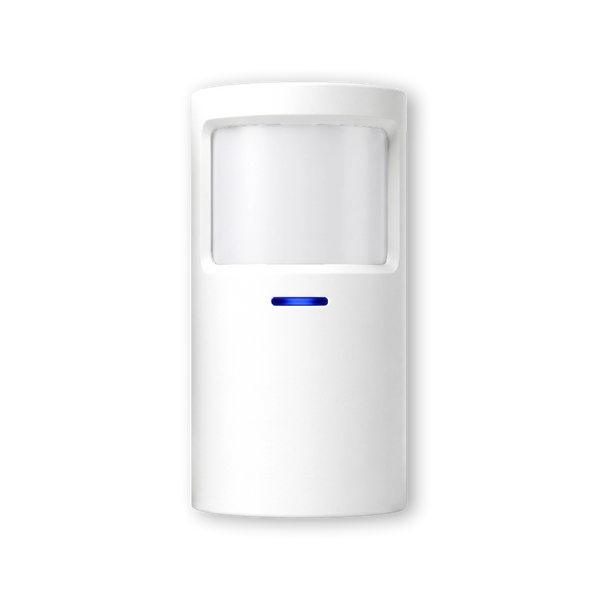
- ShieldDefender: an outdoor siren and motion detector in one, also solar-powered. The PIR sensor is pet-friendly and has two sensitivity levels. If you only want to detect outdoors, you switch the siren off.
An outdoor siren also does its job when it isn't sounding. The Dutch police describe an alarm as especially deterrent when it's visible, and recommend lighting in the garden if you have rear access.
Extra controls: remote control, keypad and tag

Accessories often solve a practical problem: a siren you can't hear upstairs, a socket that's just too far away, or a family member who doesn't want to remember a code. So first look at where things don't quite work in your home, then choose the accessory that fits.
An alarm that's awkward to arm stays off. That's why extra controls are often the most useful accessory, especially in a household with several people.
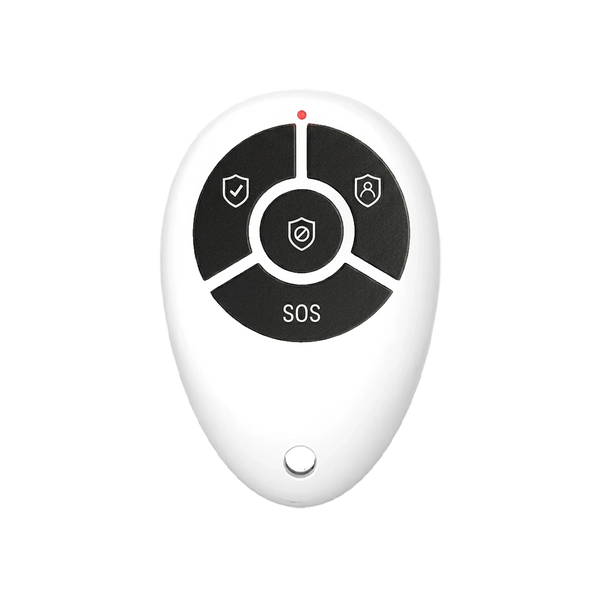
- QuickLink: a compact remote control for your keyring, with a long battery life. The kits already include a few; extra ones are handy if everyone in the house wants one.
- QuickLink Pro: the same function, but with a protective slide cover over the buttons. That way you won't accidentally arm or disarm the alarm in your pocket or bag. With one press you choose arm, home mode or disarm.
- SlimPad: a wireless keypad as a second control point, for example at the back door, on another floor or in the garage. You operate it with a PIN code or an RFID tag.
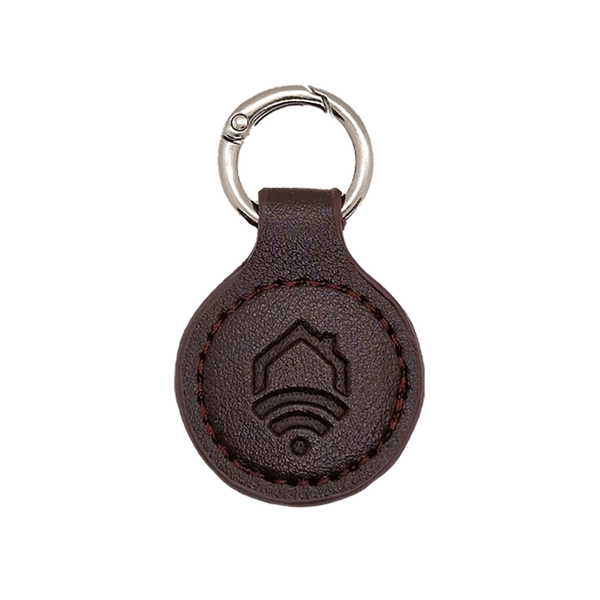
- QuickTag: an RFID key fob that lets you arm and disarm without a code, handy for children or guests. Note: the QuickTag only works with the ShieldLink® Lite and the SlimPad, not with the Plus, Pro and Elite. With those control panels you arm and disarm via the touchscreen, the app or the QuickLink.
Power: cables and adapters
Cables and adapters may seem like a side issue, but a wireless alarm system needs power too. The sensors run on batteries, but the control panel plugs into a socket and has a backup battery in case the power fails.
- 3-metre USB-C cable: the ShieldLink® control panels come with a 1-metre USB-C cable as standard. If you want to mount the control panel on the wall and the socket is further away, this longer cable gives you room, without an extension lead.
- Converter set 12V-5V: this lets you connect the Neroo® Cam and other USB accessories to the 12V or 24V on-board power of a motorhome, caravan or car. With the included connectors you tap power from the existing wiring without cutting or soldering, and you get a 5V USB output.
You replace the batteries in the sensors yourself. You simply click the ShieldSense motion detectors out of their holder to do so, and the LockSense Pro lasts up to 4 years on one battery.
Services: configuration and installation
Not every accessory is a device. Two services make getting started easier:
- Configuration service: Neroo pairs all suitable components from the same order with the control panel in advance and labels them with the names you specify, such as Front door or Garage. This applies to door/window contacts, motion detectors, vibration sensors, remote controls, wireless sirens and compatible smoke detectors. Settings that require internet or your own app account you then do yourself.
- Installation service: an engineer comes to install the system for you. The price depends on the distance to your address.
If you're unsure whether you can do it yourself, first read Can I install an alarm system myself?
Which accessories do you really need?
Don't start with the online shop, but with your home and your routine. These questions help:
- Can you hear the alarm everywhere? If not, a PlugAlert on the landing or in the bedroom corridor is the simplest solution.
- Does the outside world need to notice? A ShieldHorn on the front of the house makes the alarm audible and visible outside.
- How many people arm and disarm the system? Count on one remote control per person, or a QuickTag with a ShieldLink® Lite or SlimPad.
- Do you often come in through another door? Then a SlimPad by that door is handier than walking back to the control panel.
- Where will the control panel be mounted? Measure the distance to the socket; if it's more than 1 metre, get the 3-metre cable as well.
- Short on time or not keen on pairing? Choose the configuration service or the installation service.
How many sensors you need is a separate question; we work it out per home type in How many sensors do you need for your home?
So what accessories are there for a wireless alarm system?
Extra indoor and outdoor sirens, extra controls such as remote controls, a keypad and RFID key fobs, power accessories such as a longer USB-C cable or a 12V converter, and services to have your system configured in advance or installed.


Our solution
Alarm system for your home
Start with a kit and expand with sirens, controls and power accessories whenever it suits you. No monthly contract.
View the options
Frequently asked questions
Does the QuickTag work with every ShieldLink control panel?
No. The QuickTag only works with the ShieldLink Lite and with the SlimPad keypad. With the ShieldLink Plus, Pro and Elite you arm and disarm via the touchscreen, the app or the QuickLink remote control.
Do you need an extra siren?
That depends on your home. The built-in siren of the ShieldLink Plus, Pro and Elite sounds where the control panel is. If you sleep on another floor or want neighbours to hear the alarm, an extra indoor siren such as the PlugAlert or an outdoor siren such as the ShieldHorn helps.
What do you do if the control panel's included cable is too short?
The ShieldLink control panels come with a 1-metre USB-C cable. If the socket is further away, there's a separate 3-metre USB-C cable, so you don't need an extension lead.
Can you connect a Neroo Cam to 12 volts in a motorhome?
Yes, with the Converter set 12V-5V. You connect it to the 12V or 24V on-board power of a motorhome, caravan or car and it provides a 5V USB output, without having to cut or solder.
What does the configuration service do?
Neroo pairs all suitable sensors, remote controls and sirens from the same order with the control panel in advance and labels them with the names you specify. Settings that require internet or your own app account you then do yourself.
Sources and references
- Politie (Dutch police), Politiekeurmerk Veilig Wonen (in Dutch) — consulted September 2026
- Politie (Dutch police), Tips to prevent home burglary (in Dutch) — consulted September 2026


