


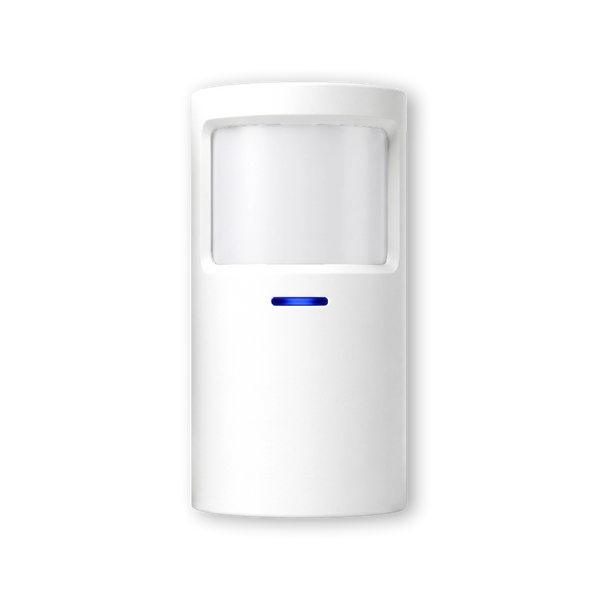


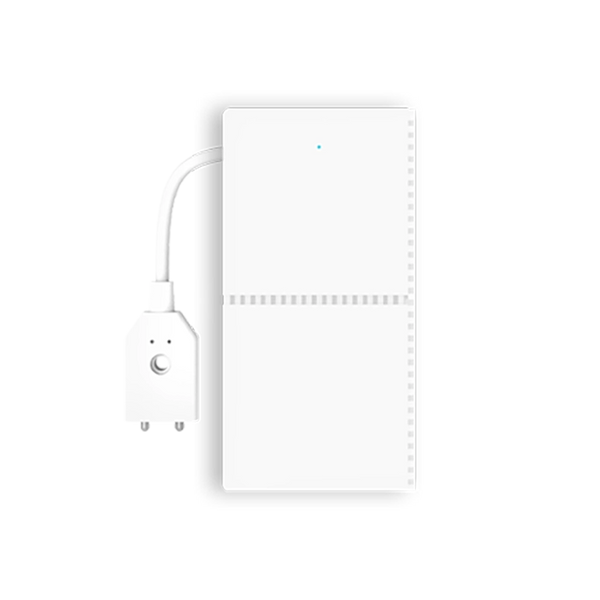
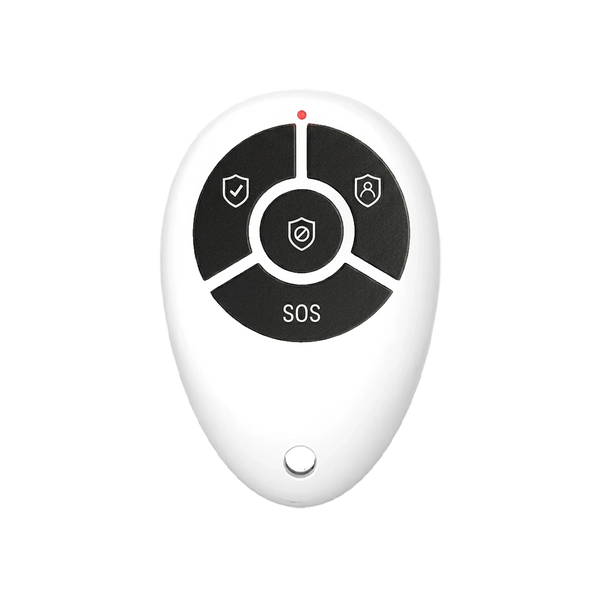











Short answer: A wireless alarm system has five real disadvantages: the sensors run on batteries that you replace now and then, range isn't unlimited through concrete and steel, phone notifications run via the internet by default, sensors are visible on window and door frames, and a system you install yourself doesn't qualify for the certificate some insurers require. For a home, the first four are easy to deal with. The fifth is the only one that can really be a reason to choose a certified installer.
Our solution
Home alarm system
Wireless, with a backup battery in the control panel and, if you want, alerts via SMS — even if the Wi-Fi or power goes down.
View the options
Key takeaways
- Batteries are the disadvantage you'll deal with most often, but the control panel warns you well in advance.
- Range isn't a problem in most homes; with thick concrete floors or a shed at the bottom of the garden, test before you fix anything in place.
- Without internet the alarm keeps working, but the notification on your phone drops out — unless you use a SIM card as a second route.
- Sensors are visible, but small; there are white, black and compact versions.
- No certificate: if your insurer requires a certified installation, you can't avoid a recognised installation company. This mainly applies to business premises.
A lot is written about the advantages of wireless alarm systems. Less about the disadvantages, and then often in general terms that don't help much when choosing. Below are the disadvantages that really matter in practice, how much they weigh, and what you can do about them. The companion to this article — the advantages of a wireless alarm system — is published separately.
The disadvantages at a glance
| Disadvantage | How much it matters | What you can do |
|---|---|---|
| Batteries | Small, but it keeps coming back | Don't dismiss the notifications; use a sensor with longer battery life in awkward spots |
| Range | Small in an ordinary home, bigger with concrete, steel or outbuildings | Test before fixing in place; for long distances, sensors with extra range |
| Alerts via the internet | Only the phone notification drops out, not the alarm | A SIM card as a second alert route via SMS and phone call |
| Visible sensors | A matter of taste | Choose a colour or compact version that matches your frames |
| No certificate | Major if your insurer requires it, otherwise none | Check your policy first; if it requires a certificate, use a recognised installer |
1. Replacing batteries

The disadvantage you'll come across most
A wired sensor gets power through the cable. A wireless sensor runs on a battery that goes flat after a few years. That's the most concrete disadvantage of wireless: it's maintenance that keeps coming back, and with fifteen sensors you notice it.
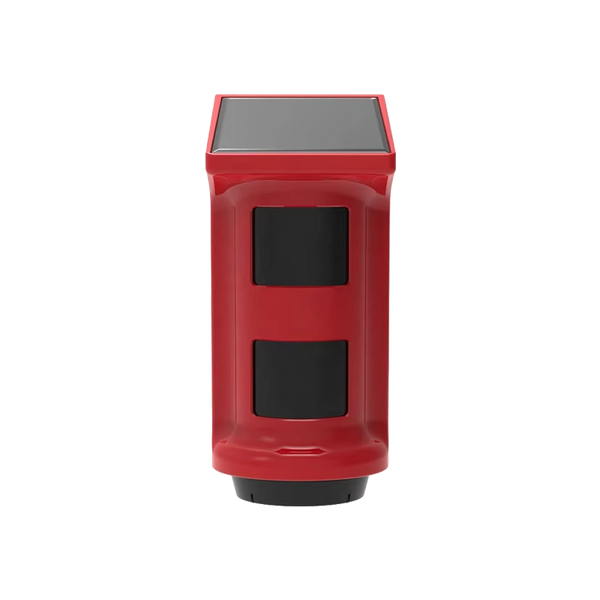
View LockSense ProTwo things make it a lot smaller. First, the control panel reports a nearly flat battery well before the sensor fails; the only risk lies in the notification you dismiss. Second, battery life varies by sensor. The LockSense Pro lasts up to 4 years, the LockSense Elite up to 10 years, and the ShieldHorn outdoor siren runs on solar power, so it has no battery to replace at all. Choose those versions for places that are hard to reach, such as an attic window or high up on the façade.
2. Range through concrete and steel
Radio signals pass through walls, but not without limit. A concrete floor, a steel frame, a meter cupboard or a basement dampens the signal. In an ordinary single-family home you'll rarely notice; in an apartment in a concrete block, a converted farmhouse with thick walls or a shed far down the garden, a sensor can fall just outside range.
The remedy is order: pair the sensor, hold it in its final position and check whether the control panel sees it, and only then fix it in place. If you really need to bridge distance, there are sensors made for the job. The LockSense Elite and ShieldSense Elite use LoRa in addition to 433 MHz and, with the ShieldLink® Elite control panel, reach up to around 500 metres.
3. Alerts via the internet
This disadvantage is often made out to be bigger than it is, so first what doesn't happen: if your Wi-Fi goes down, the alarm doesn't stop. The sensors talk to the control panel, not to the internet, and the siren still goes off.
What does drop out is the notification on your phone. By default, that runs via your internet connection. If you're not at home and your router is down, the neighbours hear the alarm but you don't. If you want to cover that, you need a second alert route that doesn't go through your router. With the ShieldLink® Pro and Elite that's possible with an optional SIM card, which sends an SMS and calls you when the alarm goes off — even if the Wi-Fi or power is down. During a power cut, the control panel's built-in backup battery also takes over.
Our solution
Alarm system without Wi-Fi
Alerts via SMS and phone call, independent of your router. So you know about it even when the internet is down.
View the options
4. Visible sensors
A wired system can largely be hidden away. Wireless sensors sit on the frame or in a corner of the ceiling, and you can see them. For some people that's not an issue, for others it is — especially with minimalist interiors or old, characterful window frames.
It's a matter of taste, but there's something you can do about it. The kits are available in white, black and a compact MINI version, so you can choose whatever is least noticeable against your frames. Contacts on the inside of the door frame, motion detectors high up in a corner: then you'll hardly see them in normal use.
5. No certificate
This is the disadvantage mentioned least often, and it's the only one that can really change a decision. In the Netherlands, insurers use the Dutch Improved Risk Classification (VRKI) to determine which risk class a property falls into, based on what's inside and how attractive that is to burglars. From a certain class upwards, the insurer requires security that has been designed, supplied and maintained by a recognised company under the Dutch BORG scheme.
A system you install yourself doesn't meet that requirement — however well it detects. That applies to any DIY system, wireless or not. For most homes this isn't an issue: a home contents insurance policy rarely sets such requirements. For business premises with valuable stock, it often is. So read your policy conditions first. If they include a certificate requirement, a recognised installer is the only route.
What this means for businesses
For businesses, two of the five disadvantages weigh more heavily: range, because warehouses and sites are bigger than homes, and the certificate, because insurers set requirements more often for business premises.
Range can be solved. With the ShieldLink® Elite control panel and the Elite sensors you can bridge up to around 500 metres, and with the optional SIM card you get alerts via SMS and phone call, independent of the company network. The certificate can't: if your Dutch insurer requires BORG, that takes precedence. A wireless system can then still be useful for an outbuilding, a site cabin or a space that falls outside the policy conditions. More on the trade-off for businesses is in our article on wireless alarm systems for businesses.
Do the disadvantages outweigh the advantages?
For a house, an apartment or a rented home, usually not. Batteries, range, alerts and visibility can all be dealt with through placement and the right sensor in the right place. On the other side, you don't need an installer, nothing has to go into your walls, you can expand one sensor at a time and you take the system with you when you move.
For business premises with an insurer that requires a certificate, it's different. There the certificate is the deciding factor, and you can only get it through a recognised company. If you're torn between the two systems, our article wireless or wired: how to choose for your situation will help.
Kits that address the disadvantages

ShieldLink® Pro — Complete
Backup battery in the control panel and, with the optional SIM card, an alert route via SMS and phone call, independent of your Wi-Fi.
View the kit
ShieldLink® Elite — Complete
For long distances: with the Elite sensors, up to around 500 metres of range, for warehouses, yards and outbuildings.
View the kit
LockSense Elite
Door/window contact with 433 MHz and LoRa, up to 500 metres of range and a battery that lasts up to 10 years.
View the contactWhat are the disadvantages of a wireless alarm system?
The disadvantages are batteries you replace periodically, limited range through concrete and steel, phone notifications that run via the internet by default, visible sensors and the lack of a certificate that some insurers require; the first four can be dealt with through placement and the right sensors, the last only through a recognised installer.
Frequently asked questions
What is the biggest disadvantage of a wireless alarm system?
In everyday use: the batteries, because that's what you deal with most often. When choosing: the lack of a certificate, if your insurer requires one. For most homes that last point doesn't apply; for business premises with valuable stock it more often does.
Is a wired alarm system more reliable?
A wired system has no batteries and no range limit, so those two risks disappear. The detection itself is comparable. For a home, that difference usually doesn't outweigh the drawbacks of wired: cutting into walls, installation costs and a system that doesn't move with you.
How often do I need to replace the batteries in a wireless alarm?
That varies by sensor and by use; with standard sensors, expect a few years. There are versions that last longer, such as the LockSense Pro at up to 4 years and the LockSense Elite at up to 10 years. The control panel reports a nearly flat battery well in advance.
Does a wireless alarm system work without internet?
Yes. Detection and the siren work without internet, because the sensors talk to the control panel and not to your router. What drops out is the notification on your phone. With a SIM card in the control panel, you get that notification via SMS and a phone call, even without Wi-Fi.
Do I get an insurance discount with a wireless alarm system?
Usually not on the basis of the system alone. Discounts and requirements are generally linked to a certificate or quality mark, and you can only get that through a recognised installation company. Check your policy conditions or ask your insurer.
How much does a wireless alarm system cost?
In the Dutch market, a wireless kit you install yourself costs an indicative 100 to 600 euros as a one-off. If you have it installed, you typically pay 650 to 1,200 euros including installation. The full calculation is in our article on the cost of a home alarm system.
Sources
- Het CCV — Improved Risk Classification (VRKI) (in Dutch)
- Het CCV — BORG (in Dutch)
- Specifications of LockSense Pro, LockSense Elite, ShieldSense Elite, ShieldHorn and the ShieldLink control panels: our own product pages, checked on 20 September 2026


